Creating professional video animations is now more accessible thanks to intuitive motion design software and the many tutorials available online. Whether for marketing videos, cartoons or video games, each tool meets specific needs.
The tools in this article were selected by our team and are not sponsored. Find out how sponsor your tool.
Which motion design software should you choose to create professional animations?
Some animation software are better suited to video game creationwhile others are more suitable for creating “cartoons”. Keep in mind how you will mainly use the software: you will have an easier time choosing between the different functions and tools.
Of course, some of them still have a fairly steep learning curve, so if you need a professional quality video within a deadline, the wisest course is to call on a motion design freelancerwhich will meet your expectations.
So let’s take a look at some of the most popular animation software.
1. Adobe After Effect, the benchmark for motion design
Impossible to talk about motion design without mentioning After Effects. Still considered the industry standard in 2026, it remains the best choice for 2D animation, motion graphics, compositing and visual effects. Its huge ecosystem of plugins and its integration with Adobe Premiere Pro, Illustrator and Photoshop make it a must-have for freelancers and agencies.
The key features of Adobe After Effects
Adobe After Effects is popular for its advanced motion design and video animation tools. Among the most used features:
- 2D animation and motion graphics
- Special effects and dynamic transitions
- Motion tracking
- Precise layer system and keyframes
- Compatibility with many plugins
- Integration with Premiere Pro, Photoshop and Illustrator
- Templates and exports optimized for social networks
These features make it one of the best motion design software in 2026.
The advantages that After Effects offers for motion design
Widely used by freelance motion designers and video agencies, After Effects has a huge library of plugins, templates and tutorials. Its integration with Premiere Pro, Photoshop and Illustrator makes it easier to create complex projects and accelerate video production workflows.
2. Blender, the best free software
Blender has become a real professional alternative to paid software. Free and open source, it allows you to create 3D animations, special effects, abstract motion design and even complete animated films. Very popular with freelancers and independent creators, it also attracts with its huge community and its constant updates.
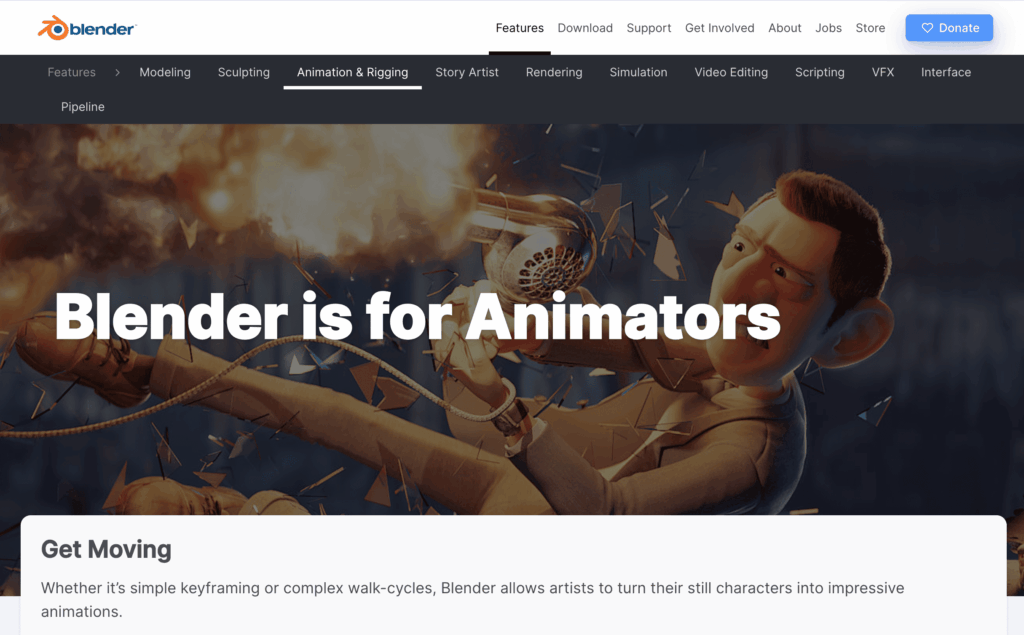
Blender is particularly appreciated for its powerful 3D creation tools and its completely free access. Among the most used features:
- 3D modeling and animation
- Motion design and visual effects
- Realistic rendering with Cycles and Eevee
- Simulation of particles, smoke and fluids
- Advanced sculpting and texturing
- Integrated video editing
- Large library of extensions and plugins
Thanks to its versatility, Blender stands out as one of the best free motion design software in 2026.
3. Cinema 4D, ideal animation software for your motion design
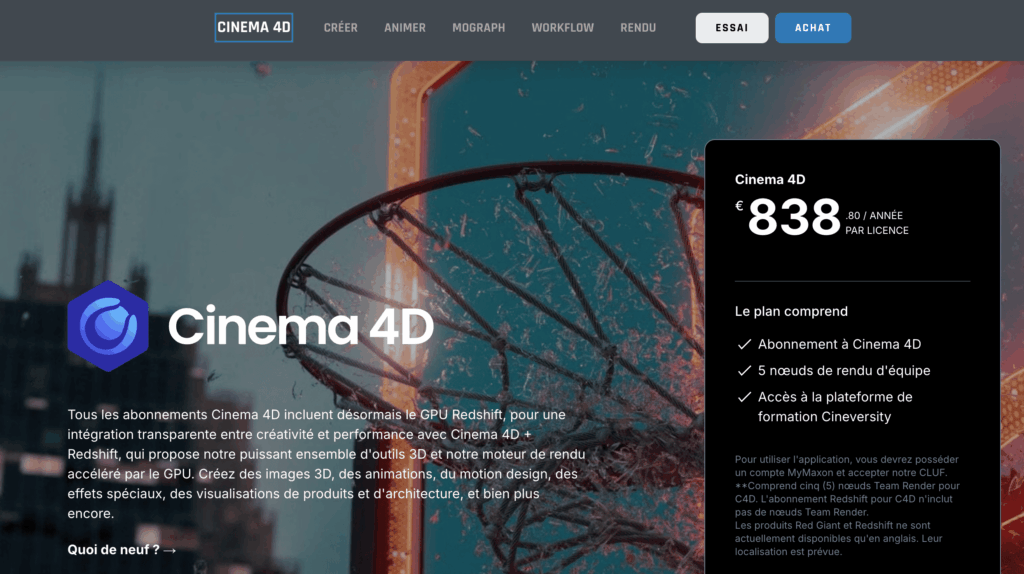
Cinema 4D is a 3D animation, modeling, simulation and rendering software. The wide range of tools, features and presets of Cinema 4D makes it an ideal tool for seasoned professionals and beginners still learning.
This software allows you to animate objects in a simple way: simply click on the circle next to an object to convert it into a realistic animation.
The “Powerslider” allows you to quickly set keyframes for the current state of any frame and edit existing keyframes without leaving the default layout.
Practical, a timeline window gives you control with the tracks of each animable parameter, and shows the different layers of objects, tracks and keyframes to organize them and control their visibility.
The price: €838.89 per year
4. DaVinci Resolve Fusion — the best value for money
DaVinci Resolve Fusion has become a reference for creators looking for comprehensive video editing and motion design software. In addition to its powerful colorimetry and video editing tools, its Fusion module allows you to create advanced animations, compositing and professional visual effects.
Very popular with videographers and freelancers, DaVinci Resolve represents an excellent alternative to After Effects thanks to its particularly complete free version.
The key features of DaVinci Resolve Fusion
- Advanced motion design and compositing
- Professional visual effects
- Tracking and video overlay
- Integrated video editing and color grading
- Very complete free version
- All-in-one workflow for video production
5. Houdini — the king of special effects
Houdini is considered one of the most powerful software for special effects and procedural simulations. Used in cinema, advertisements and video games, it allows the creation of ultra-realistic simulations such as smoke, fire, explosions or complex destruction.
Its handling can be difficult for beginners, but its technical capabilities make it an essential reference for VFX studios.
Houdini’s key features
- Smoke, fire and fluid simulations
- Advanced procedural effects
- Particle generation
- Realistic destruction and explosions
- VFX tools for film and video games
- Highly customizable workflow
6. Why choose Autodesk Maya for motion design?
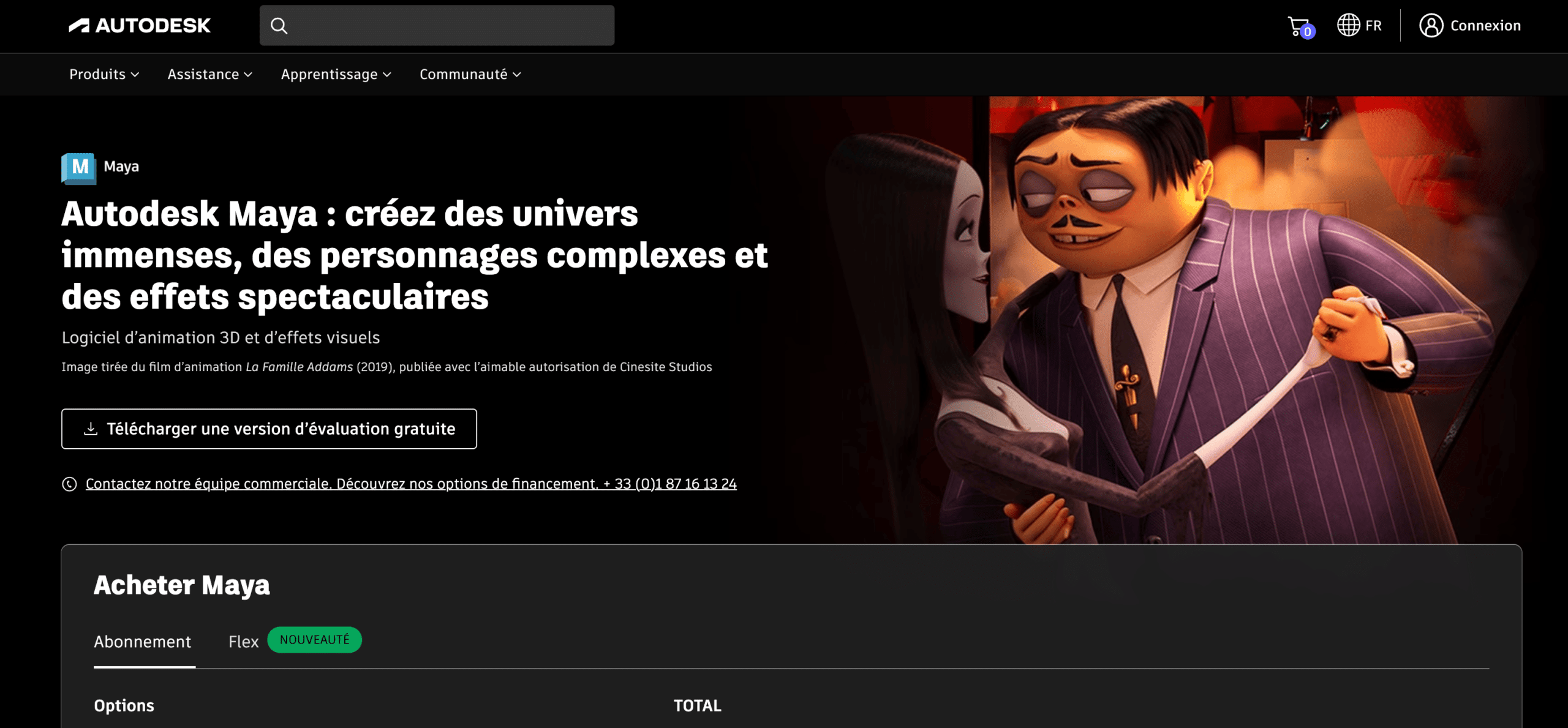
Best known for his ability to create immersive worlds, compelling characters and impressive special effects, Maya is a 3D animation, modeling, rendering and simulation software that stands out for its premium 3D modeling features.
Autodesk Maya remains one of the most widely used software in AAA animation and video game studios. He is particularly recognized for 3D modeling, character animation and professional rigging. Thanks to its advanced tools and high stability, Maya is ideal for complex productions requiring a high level of precision.
Autodesk Maya’s key features
- Advanced 3D animation and modeling
- Rigging and character animation
- Professional tools for cinema
- Fabric and hair simulation
- High quality rendering
- Compatible with professional production pipelines
7. Unreal Engine, real-time motion design
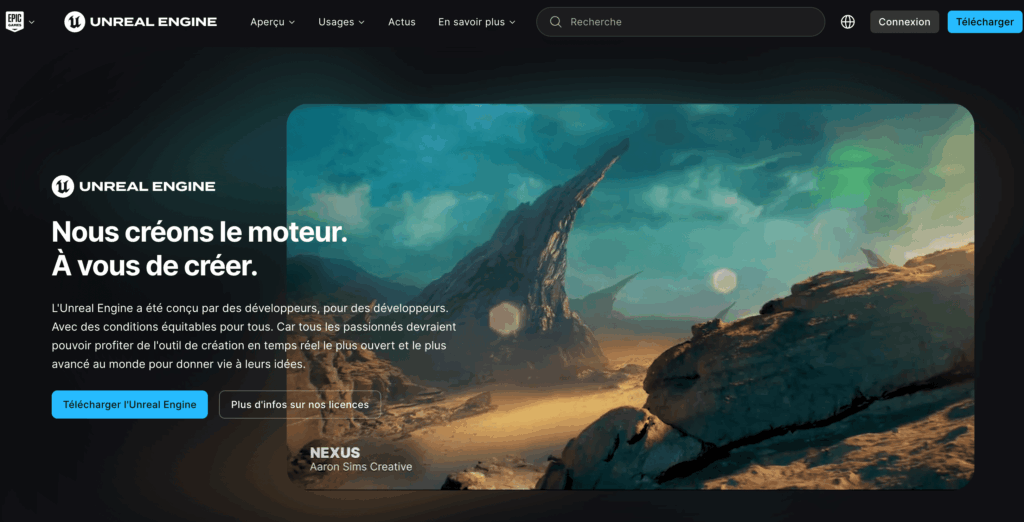
Long reserved for video game development, Unreal Engine is today widely used in motion design and virtual production. Its main advantage is real-time rendering, allowing you to create ultra-smooth animations and immersive environments.
The software is now used for commercials, music videos, interactive experiences and film productions.
The flagship features of Unreal Engine
- Real-time 3D rendering
- Immersive cinematic animations
- Creation of interactive environments
- High quality visual effects
- Virtual production and LED wall
- Compatibility with virtual reality
8. Cavalry, the new alternative designed by Canva
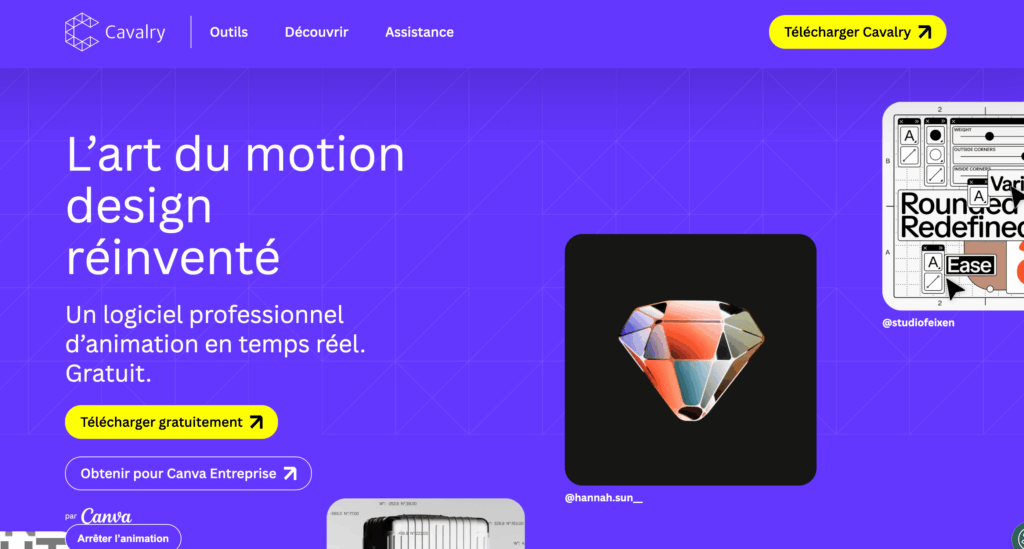
Cavalry is gradually establishing itself as a modern alternative to After Effects. Designed by Canva and for procedural motion design, it facilitates the creation of dynamic animations, social media content and data visualization.
Its speed of execution and modern interface will attract more and more motion designers in 2026, in particular thanks to its free version.
Cavalry’s key features
- Advanced procedural animation
- Motion design for social networks
- Animated data visualization
- Automation tools
- Modern and fluid interface
- Free version accessible
Which motion design software to choose in 2026?
The best software depends mainly on your needs:
- After Effects: ideal for 2D motion design and marketing videos
- Blender: perfect for getting started in 3D for free
- Cinema 4D: excellent for advertising animations and motion graphics
- Houdini: recommended for advanced special effects
- DaVinci Resolve Fusion: very good all-in-one compromise
To train yourself or for an even more professional result, call on a freelance motion designer from Codeur.com.