
Find the best free messaging no longer comes down to choosing between Gmail and Outlook: in 2026, the priority is to combine security, time saving and zero advertising.
Whether you are looking for a new ultra-secure email address or powerful software to centralize all your inboxes, the choice of your tool is a game-changer on a daily basis. To help you sort without spending a cent, here is our TOP 10 of the best free customer messaging services to be adopted this year.
Webmail or email client: what is the difference and what to choose?
To make the right choice, you must distinguish between address creation and the management of your emails:
- Webmail (Gmail, Proton, Infomaniak) : This is a service accessible directly from your browser. Nothing to install. This is the ideal option if you want to create a new address and easily access it from any screen.
- The Mail Client (Thunderbird, Mailspring, Apple Mail) : This is software installed on your computer or smartphone. It connects to your existing accounts (via IMAP/POP) to centralize several mailboxes in the same place and allow you to work offline.
Choose one webmail to obtain a turnkey address, or a email client if you are already juggling several addresses and looking to save time.
The TOP 10 best free messaging services in 2026
1. Gmail (Google) – The essential standard
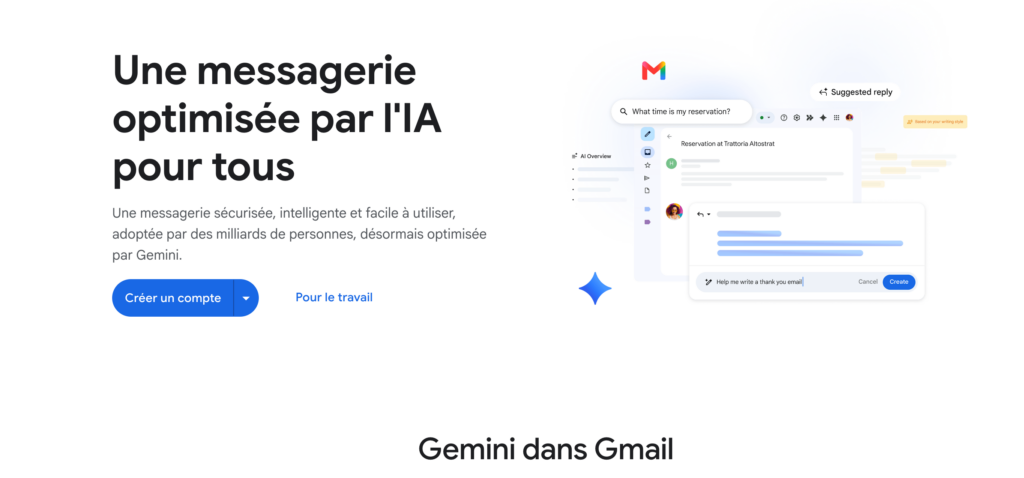
Considered by many to be the best free email on the market, Gmail seduces with its ergonomics and its formidable anti-spam filter. Upon registration, this platform provides access to 15 GB of space shared with Google Drive and Photos, while natively integrating with Meet and Calendar.
- Point of attention: Data analysis for advertising purposes.
- Compatibility: Web, iOS, Android.
2. Proton Mail – The benchmark for privacy & security
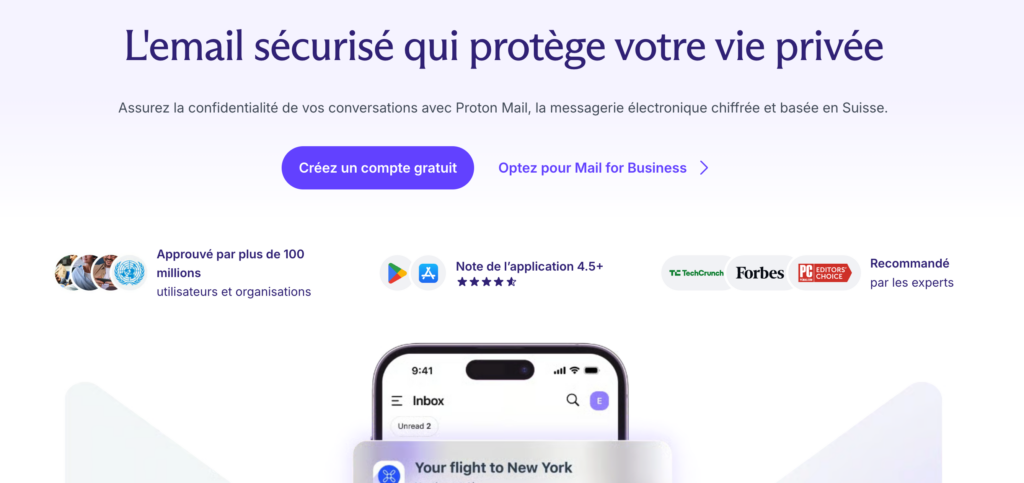
If protecting your personal data is your top priority, Proton Mail stands out as the best free privacy-oriented email. Developed by CERN scientists and hosted in Switzerland, this service is based on end-to-end encryption and zero access: no third party or even the host can read the content of your messages. Fully GDPR compliant and open-source, the platform guarantees an experience without advertising or trackers.
- Point of attention: The storage of the free plan is reduced (500 MB initially, expandable to 1 GB via a few simple actions).
- Compatibility: Web, iOS, Android, Desktop (via the dedicated application or the Proton Bridge gateway).
Read also: 15 A/B tests to improve your newsletters
3. Infomaniak Mail – The sovereign and ecological alternative
For users wishing to free themselves from GAFAM, Infomaniak Mail stands out as the best free European and eco-responsible messaging. This independent host based in Switzerland provides a personalized address (@ik.me or @etiq.ch) with generous storage of 20 GB. The servers are powered 100% by renewable energy. The interface also provides access to the Swiss suite’s collaborative tools, including kDrive for cloud storage and kMeet for videoconferencing.
- Point of attention: Lower awareness among the general public, requiring a short familiarization if you come from traditional interfaces.
- Compatibility: Web, iOS, Android.
4. Outlook.com (Microsoft) – Office powerhouse
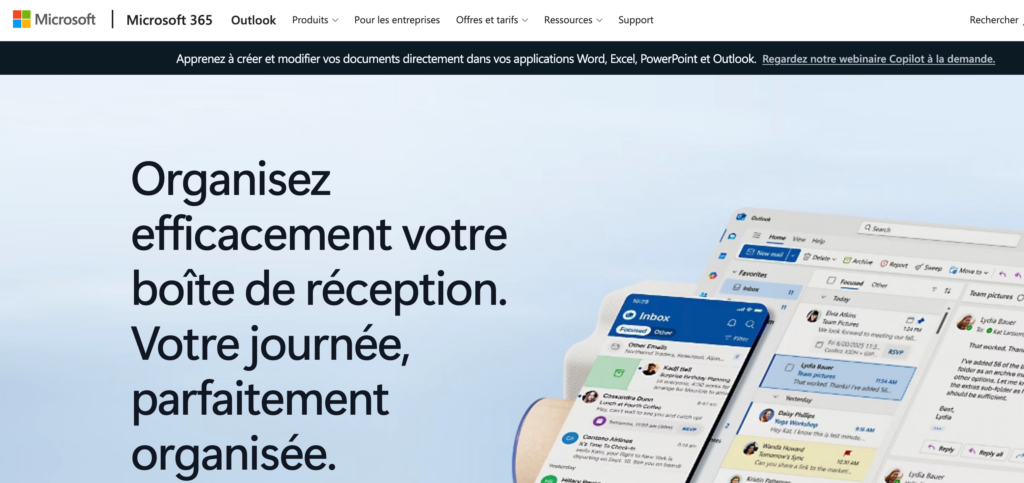
For fans of the Microsoft ecosystem, Outlook.com is the best free email thanks to its direct integration with office tools. It allows you to open, edit and save Word, Excel or PowerPoint documents directly from the inbox. The platform offers 15 GB of email storage, a very sophisticated calendar with availability management and an automatic rules system to efficiently classify your incoming messages.
- Point of attention: Presence of advertising banners on the web platform and mobile applications in the free version.
- Compatibility: Web, Windows, Mac, iOS, Android.
5. Mozilla Thunderbird – The King of Open Source
If you’re looking to consolidate multiple email addresses into a single desktop application, Mozilla Thunderbird is the best free open source email. Completely free, without advertising and respectful of privacy, it allows you to manage an unlimited number of accounts via the IMAP and POP3 protocols. Thunderbird integrates a complete calendar, RSS feed management and a vast catalog of add-ons to add new tailor-made features.
- Point of attention: Very rich visual interface which may seem a little complex during the first configuration.
- Compatibility: Windows, Mac, Linux, Android (Thunderbird Mobile).
6. Mailspring – The modern and fluid desktop client
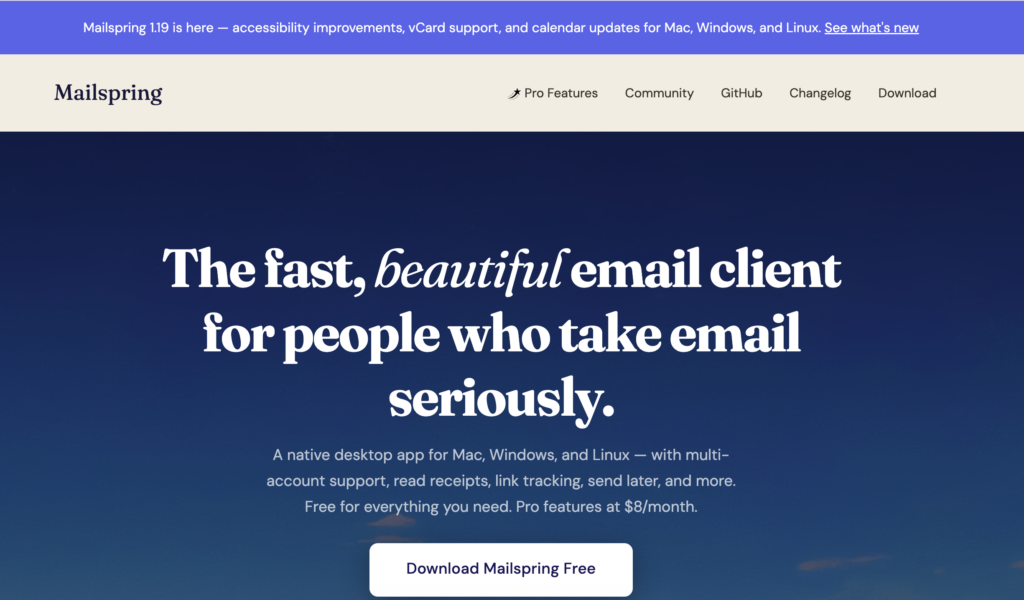
Mailspring establishes itself as the best free email for users looking for a clean and very responsive interface. Designed to maximize the productivity of freelancers and independents, this software offers a unified inbox bringing together all your accounts, an ultra-fast search engine and various graphic themes. The application natively handles HTML signatures and custom keyboard shortcuts.
- Compatibility: Windows, Mac, Linux.
- Point of attention: The interface is only available in English and some advanced features (like tracking clicks and opens) require the Pro version.
Read also: 5 tools to clean your mailbox
7. eM Client – The most complete solution (up to 2 accounts)
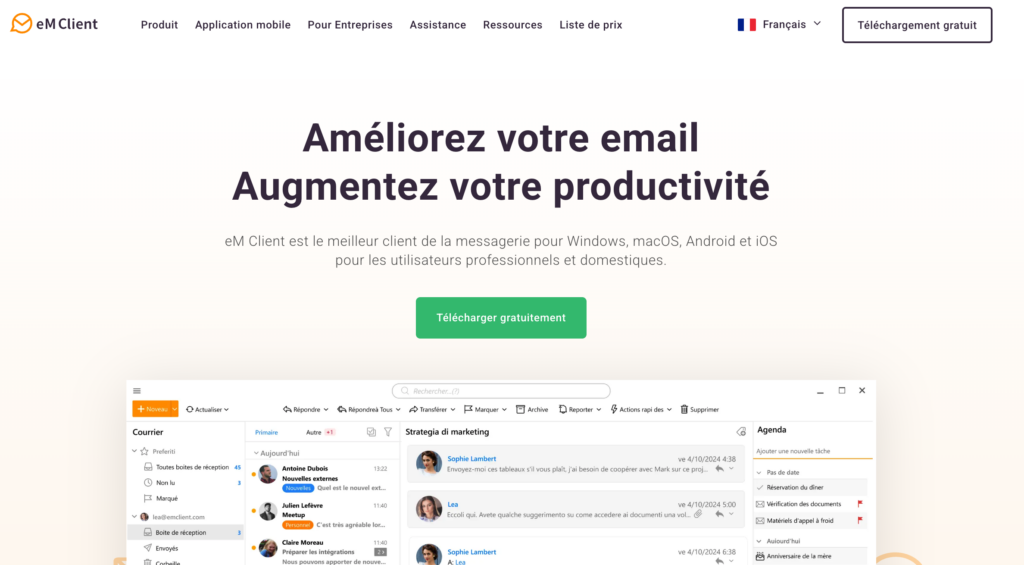
To centralize the communication of your activity, eM Client proves to be the best free all-in-one messaging. In addition to email management, this software integrates a calendar module, a task manager, an internal chat and a tool for automatic translation of incoming messages. It also makes it easy to migrate your data from other platforms (Gmail, Outlook) in just a few clicks.
- Point of attention: The free license is strictly restricted to the use of a maximum of 2 email accounts.
- Compatibility: Windows, Mac, iOS, Android.
8. Spark Mail – The Smart Client Focused on Productivity
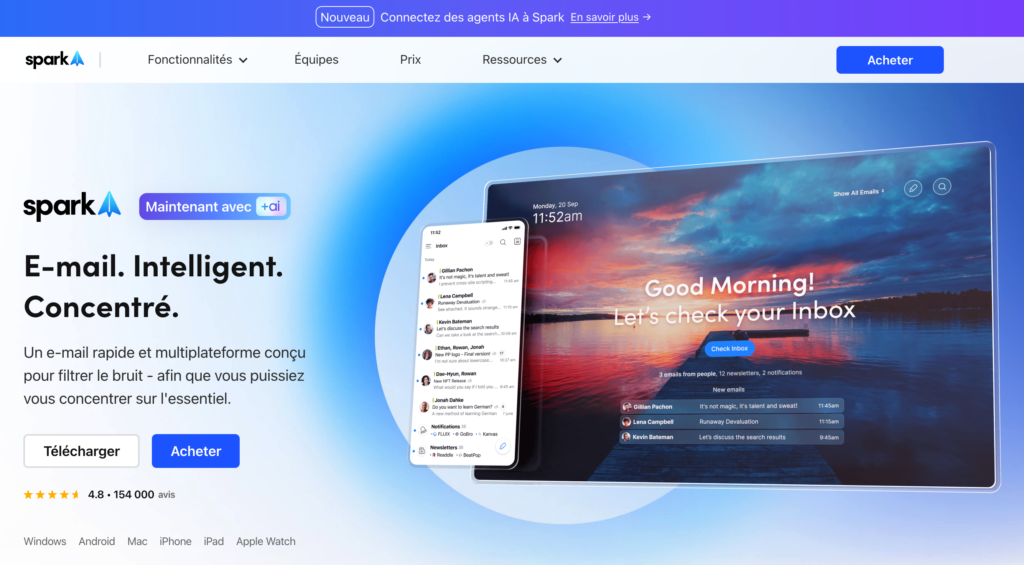
Developed to combat information overload, Spark Mail stands out as the best free messaging dedicated to intelligent email sorting. Its flagship feature, Smart Inbox, automatically filters received messages to isolate important emails from newsletters and automated notifications. Spark also integrates collaborative work features, such as the ability to delegate an email or write drafts with others in real time.
- Point of attention: Freemium model: AI-powered features and team collaboration require a paid subscription.
- Compatibility: Mac, Windows, iOS, Android.
9. Apple Mail – Simplicity built into the Apple ecosystem
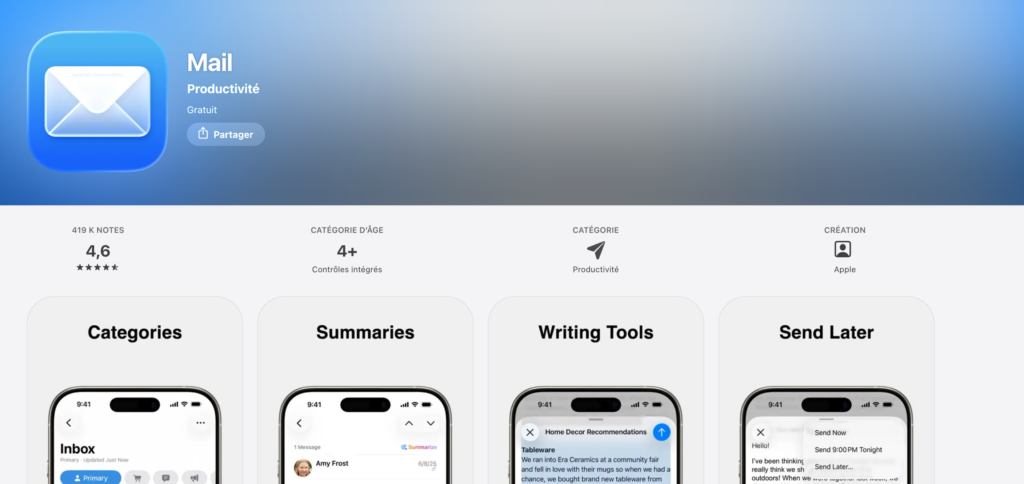
For owners of Apple brand devices, Apple Mail turns out to be the best free native messaging. Installed by default on macOS, iOS and iPadOS, this software stands out for its lightness, total absence of advertising and instant synchronization via iCloud. The tool includes advanced privacy features, such as email address masking or opening tracking pixel blocking.
- Point of attention: Totally unavailable outside of Apple ecosystem equipment (no version for Windows or Android).
- Compatibility: macOS, iOS, iPadOS.
10. Canary Mail – The secure client boosted with AI
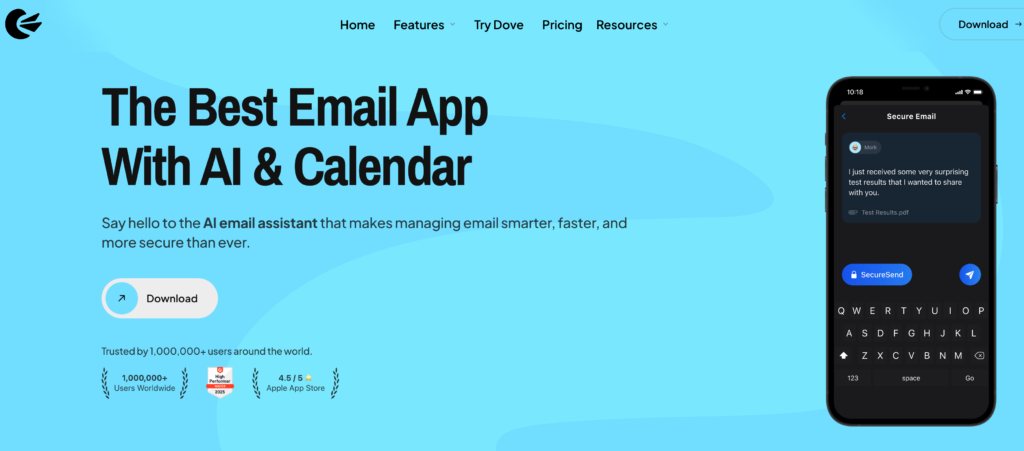
Combining enhanced security and modern tools, Canary Mail stands out as the best free email for exploiting artificial intelligence on a daily basis. This software simplifies PGP encryption to secure your exchanges and integrates a proactive phishing detection system. Its AI assistant helps you summarize long threads, prioritize your urgent messages, and write quick replies.
- Compatibility: Windows, Mac, iOS, Android.
- Point of attention: The free version provides access to basic features, but restricts advanced use of the AI assistant.
How to choose the best free messaging according to your needs?
There is no single solution, but a tool adapted to your priorities. Here are the four essential criteria to decide:
- Security and privacy (GDPR): If you refuse to have your data used for advertising purposes, opt for European or Swiss players with end-to-end encryption (Proton Mail, Infomaniak). Require at least two-factor authentication (2FA).
- Storage capacity: To keep your attachments without paying, take advantage of the generous offers (15 GB at the house of Gmail/Outlook, 20 GB at the house of Infomaniak). Ultra-secure messaging rarely exceeds 1 GB in the free version.
- Productivity and intelligent sorting: If you receive dozens of emails per day, look for features like automatic newsletter sorting, integrated calendar or smart inbox (Spark Mail, eM Customer).
- Multi-device compatibility: Make sure the tool offers a smooth mobile application (iOS/Android) and perfect real-time synchronization with your computer.