Podcasting has never been more popular, and the good news is, it’s never been easier to record. In 2026, the days when you needed a studio and hours of editing are over: today’s software records remotely in studio quality, cleans your voice automatically and lets you edit your episode by editing a simple text.
But with so many tools available, which one should you choose? It all depends on your use: record an interview remotely, edit like a pro, or do everything with AI without knowing anything about it. To help you decide, I have selected the 10 Best Software to Record a Podcastfrom all-in-one AI platforms to professional editing stations. I give you for each its strong points, its platforms and its up-to-date prices. Here we go.

Riverside has become the benchmark for recording remote interviews in studio quality. Its secret: each participant is recorded locally on your own machineon a separate track. As a result, even with an unstable connection, you get impeccable sound and image, up to 4K on the video side. It’s the perfect tool if you’re filming your podcast for YouTube.
The platform works directly in the browser (Mac, Windows, Linux) and offers iOS and Android apps. On the AI side, you benefit from automatic transcription, generation of short clips for social networks and efficient audio cleaning. Prices : a free plan (2 hours of recording, watermark, 720p), then Standard at $19/month And Pro at $29/month (in annual billing).
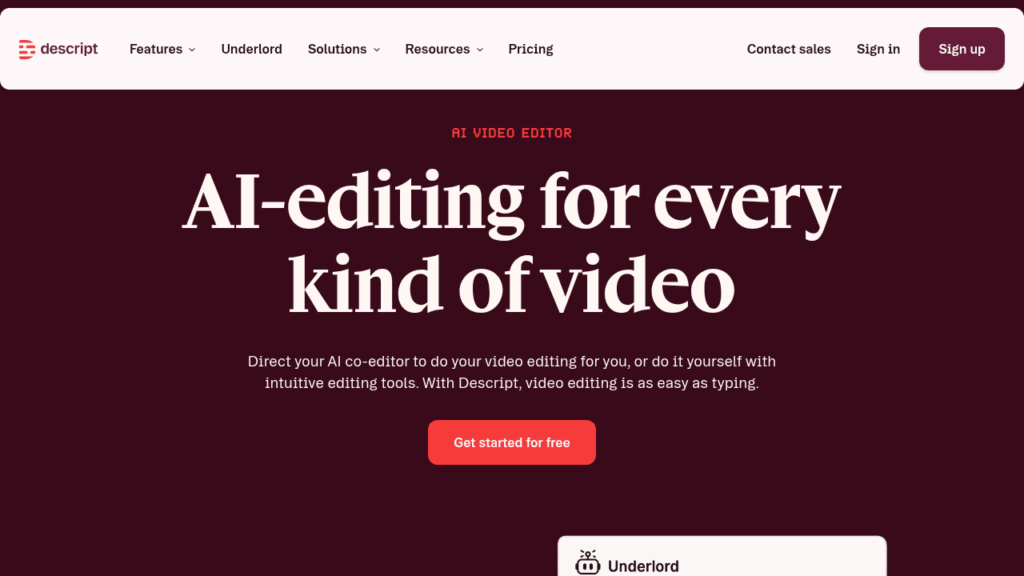
If I had to choose just one for the all-in-one side, it would be Description. Its approach is unique: it transcribes your audio, and you edit your episode by editing the text. Are you deleting a sentence? The corresponding audio disappears. Better still, the tool automatically removes “uh”, silences and repetitions, and its voice cloning (Overdub) corrects an error without re-recording.
Since the acquisition of SquadCast, now integrated with Descriptyou can also record your guests remotely in separate tracks: recording, AI editing and publishing in one tool. Available on Mac and Windows. Prices : a free plan (around 1 hour/month), then Hobbyist at $16/month, Creator at $24/month And Business at $50/month (annual billing).
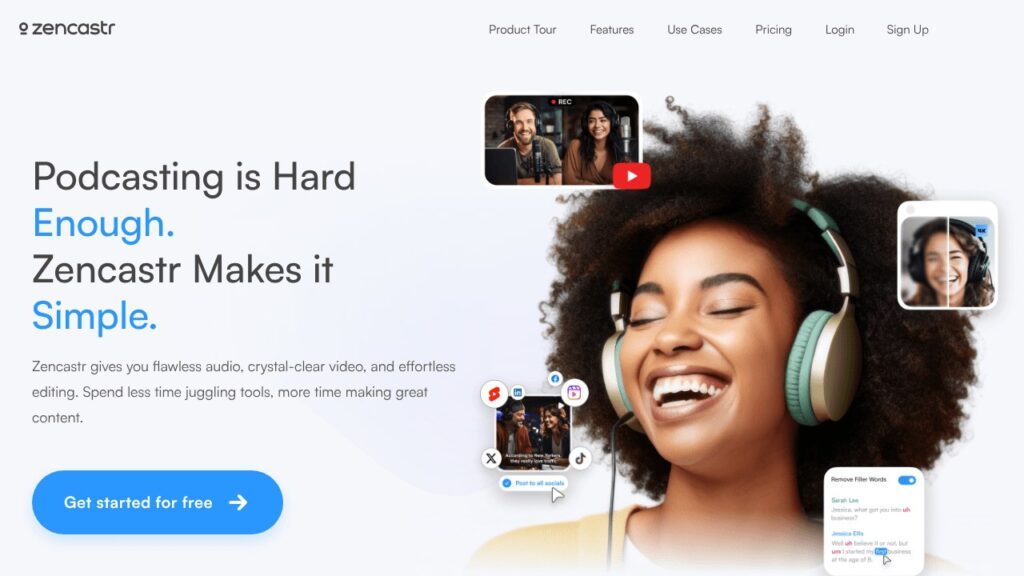
Zencastr is one of the pioneers of remote recording, and it remains a sure value. The principle is the same as Riverside: each guest is recorded locally, on a separate track, for maximum quality. You send a simple link, your guest clicks, and off you go, no installation required.
Over the years, Zencastr has become a comprehensive platform that also manages post-production, transcription, AI clips and even hosting. Everything happens in the browser. Prices : A generous free plan (unlimited audio and video recording, separate tracks, basic editing), then Standard at $20/month, Grow at $24/month And Scale at $50/month for the teams.

podcast plays the accessible all-in-one card, powered by AI. You record (solo or remotely, in separate tracks), edit, improve your voice and publish, all from a simple web interface and even a mobile app. Perfect if you’re just starting out and want a clean result without complicating your life.
Its AI functions are numerous: transcription, removal of filler words, audio enhancement, and Return which clones your voice. Best of all, podcast hosting is included. Prices : a free plan (unlimited audio recording, hosting included), then Storyteller at $11.99/month And Pro at $23.99/month.

We’re moving into the professional league. Adobe Audition remains one of the most powerful audio editing stations on the market, used by the most demanding podcasters. Its strength is audio restoration : spectral editing, removal of noise, reverb, clicks and pops, all with surgical precision. And the integration with Premiere Pro is a real plus if you also do video.
On the other hand, the interface can intimidate beginners, but there is no shortage of tutorials. Available on Windows and macOS. Prices : $22.99/month for the application alone, or included in the Creative Cloud pack at $59.99/month. Please note, Adobe only offers subscription, no one-time purchase.
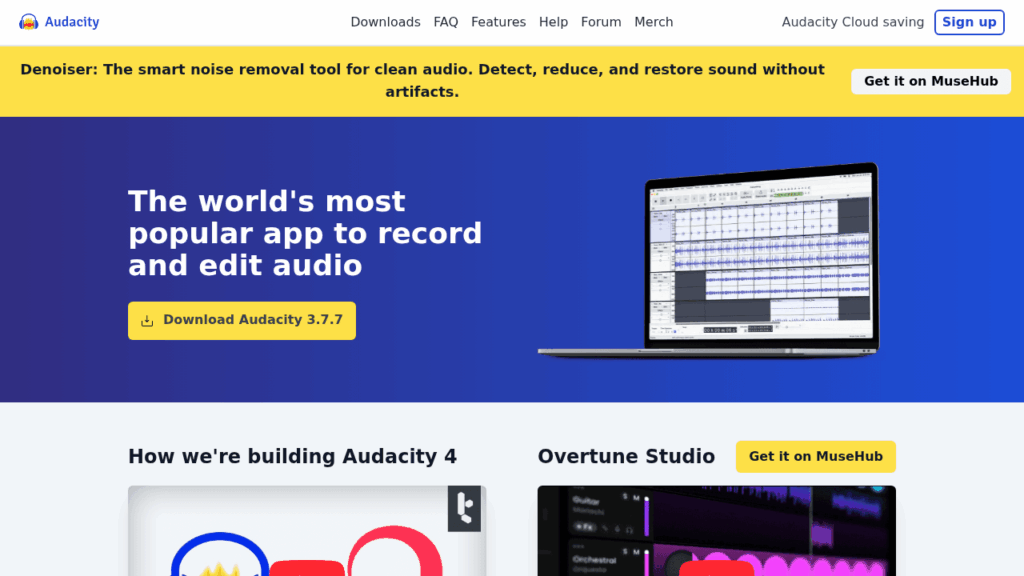
Can’t talk about podcast recording without quoting Audacitythe audio editor free and open-source which launched thousands of podcasters. Multitrack, noise reduction, compression, MP3 export: it does everything you need to get started, without spending a cent. It runs on Windows, macOS and Linux.
Its interface has aged and remains a little austere, but the community is huge and the tutorials abound. Since its acquisition by Muse Groupthe software continues to evolve. If you’re starting out with a budget of zero and some time to learn, this is the perfect place to start. Price : 100% free.
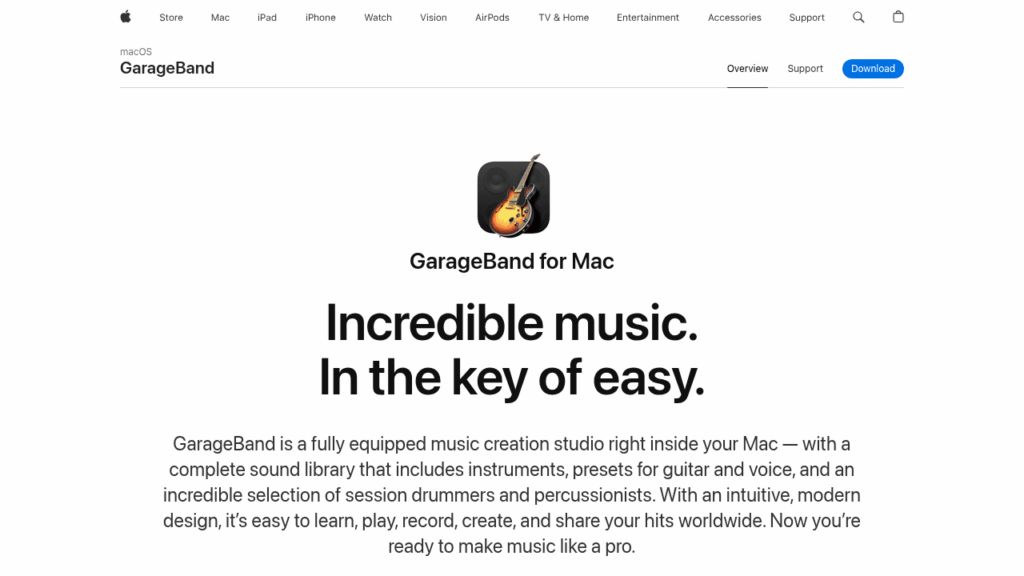
Are you on Mac? GarageBand is arguably the easiest and most enjoyable way to start a podcast, and it’s freepre-installed on all Apple devices. Its interface is one of the most beautiful and intuitive for creating separate tracks (intro, vocals, jingle), managing fades and adjusting levels.
It also includes a library of royalty-free musical loops and effects, useful for dressing up your episode. The only downside is that these sounds are used by a lot of people, so your design may lack originality. Available on macOS and iOS/iPadOS only. Price : free with your Apple device.
When GarageBand becomes too limited, the logical next step at Apple is called Logic Pro. It is the brand’s professional workstation, with an unlimited number of tracks, advanced mixing and mastering tools and an impressive plugin library, all in an interface inherited from GarageBand and therefore reassuring.
The version Logic Pro 12released in January 2026, adds intelligent functions like AI harmonic analysis. Its big advantage for podcasting is the economic model: $199.99 single purchase on Mac (no subscription), and only $4.99/month on iPad. An excellent long-term investment for those who produce regularly.
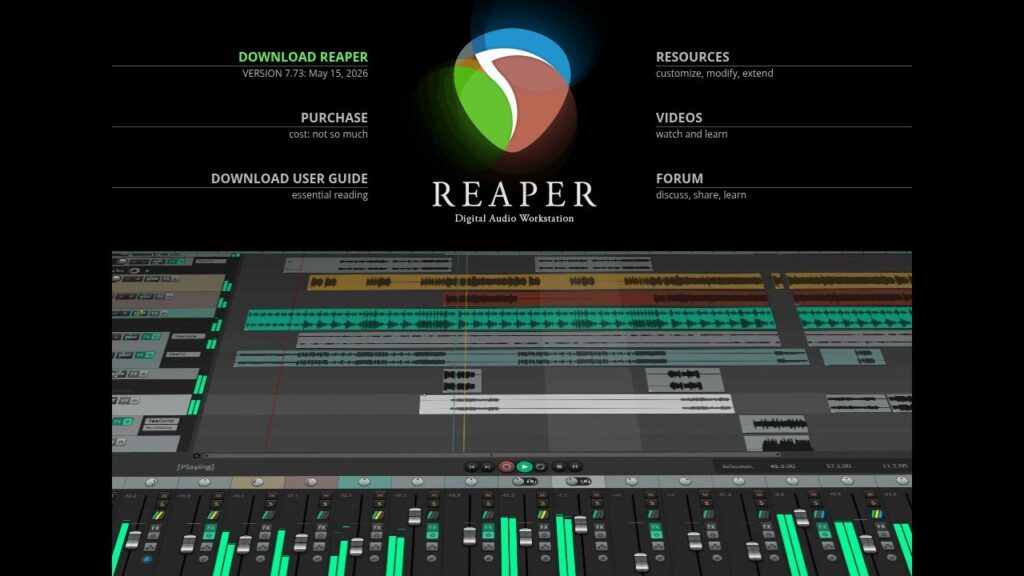
Reaper is the best kept secret of savvy podcasters. This editing station is both ultra-complete, ultra-light and incredibly affordable. It runs on Windows, macOS and Linux, starts up in a flash even on an old machine, and is infinitely customizable thanks to its scripts and templates.
The learning curve is a bit steep at first, but the value for money is unbeatable. Prices : a license reduced to $60 (personal use or small structure with less than $20,000 in income) and a commercial license at $225as a one-time purchase, with a full 60-day trial. Difficult to do better for this level of power.

I end with a tool designed exactly for you, audio storytellers. Hindenburg Pro is an assembly station specially designed for narrative podcasting, radio and journalism. Where other DAWs are designed for music, Hindenburg focuses on voice: automatic normalization to broadcast standards, intelligent level management, and a workflow designed to assemble interviews and clips.
If you’re juggling lots of snippets to edit into a cohesive story, this is a real time saver. Available on Windows and macOS. Prices : from $12/monthor approximately $99/year in annual billing, with a 30-day free trial.
Comparison table of software for recording a podcast
| Software | Kind | Platforms | Free plan | Starting price |
| Riverside | Remote recording + AI | Web, iOS, Android | Yes | $19/month |
| Description | All-in-one AI (text editing) | Mac, Windows | Yes | $16/month |
| Zencastr | Remote recording + AI | Web | Yes (generous) | $20/month |
| podcast | All-in-one AI + hosting | Web, mobile | Yes | $11.99/month |
| Adobe Audition | Professional audio editing | Windows, macOS | Essay | $22.99/month |
| Audacity | Open-source audio editor | Windows, macOS, Linux | Free | $0 |
| GarageBand | Consumer DAW | macOS, iOS | Free | $0 |
| Logic Pro | DAW pro (one-time purchase) | macOS, iPadOS | Essay | $199.99 (Mac) |
| Reaper | Affordable pro DAW | Windows, macOS, Linux | 60 day trial | $60 (lifetime) |
| Hindenburg Pro | Narrative editing/journalism | Windows, macOS | 30 day trial | $12/month |
How to choose your software to record a podcast?
The right tool depends above all on your way of working. Here are my recommendations based on your profile.
You record interviews remotely
This is the most common case today. Turn to Riverside Or Zencastrwhich record each guest locally and on separate tracks for studio quality. If you also want to ride in stride, Description (with built-in SquadCast) combines remote recording and AI editing. For pure audio in radio quality, also take a look at Cleanfeed.
You are starting with a small budget
Audacity (on any system) or GarageBand (on Mac) are free and more than sufficient for your first episodes. You can also test the free plans from Riverside, Zencastr or Podcastle, perfect for getting started without paying.
You want to do everything with AI, without the hassle
Description And podcast are your best allies: recording, automatic editing, voice cleaning and publishing, all guided by AI. To improve a poorly recorded voice for free, the tool Adobe Podcast (Enhance Speech) works miracles in addition.
Are you looking for professional editing?
For total control, rely on Adobe Audition, Logic Pro (advantageous single purchase on Mac), Reaper (the best value for money) or Hindenburg Pro whether your podcast is narrative or journalistic. The learning curve is longer, but the result is worthy.
Conclusion
There is no absolute best podcast software, only the one that fits your project. To record a remote interview, Riverside And Zencastr are unbeatable. To do everything with AI, Description And podcast will save you a lot of time. And for precision assembly, the safe values remain Hearing, Logic Pro, Reaper And Hindenburg.
My advice: start simple, even if it means moving upmarket later. Take advantage of free plans and trials to find the tool that suits the way you work. Once your episode is ready, all you have to do is broadcast it: to do this, consult my comparison of best podcast hosting platforms. And to dress up your episodes with intro music, draw from these royalty-free sound banks. Up to you !