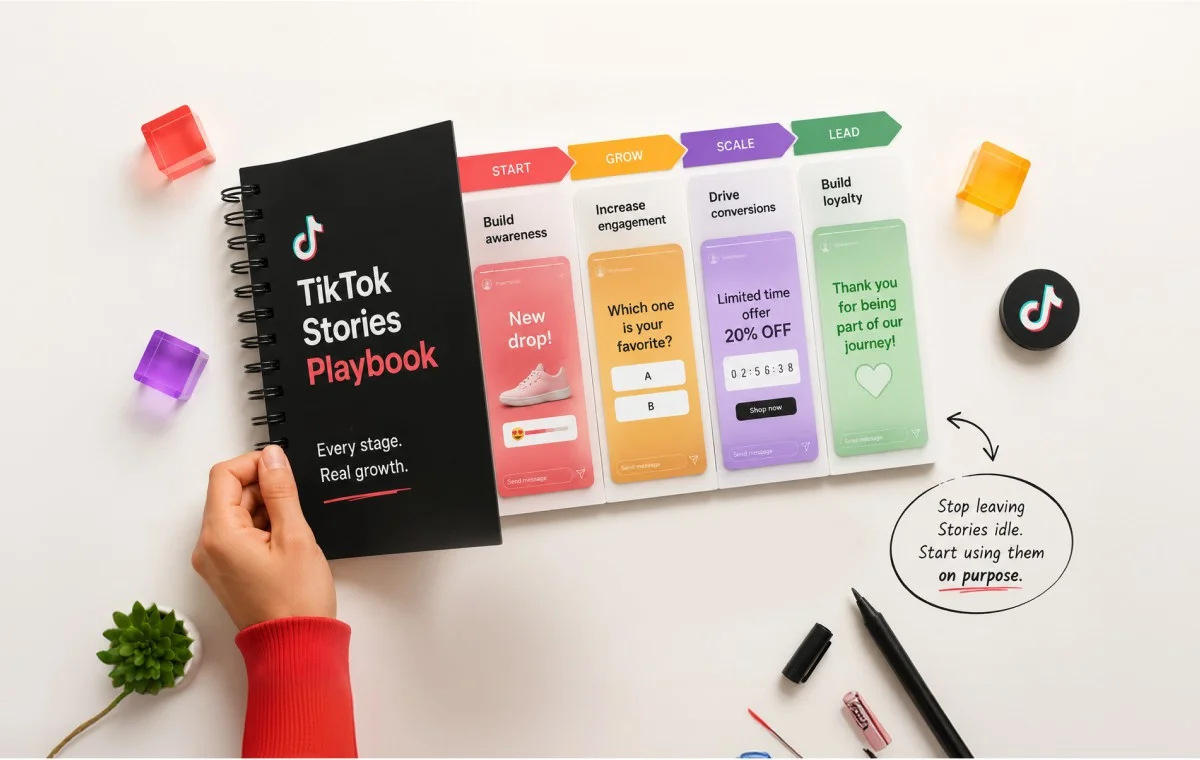
You know how to post on TikTok. But when it comes to Stories, most brands are still guessing. Unlike feed videos, TikTok provides very little public data, few best practices, and almost no performance benchmarks, making Stories one of the platform’s least understood features.
You’re not behind. Even experienced marketers struggle to answer basic questions: What should go in a Story? How often should you post? Are Stories meant for growth, engagement, or something else? Most online advice either repeats the basics or contradicts itself.
That’s why this guide focuses on what actually matters. It does two things:
- Explains how TikTok Stories really work, using TikTok’s official documentation instead of speculation.
- Shares eight practical Story tactics, each matched to a different stage of brand growth so you know which ones to use now and which can wait.
You already know the basics: Stories disappear after 24 hours, they’re designed for quick updates, and they shouldn’t be treated like recycled feed videos. What you really need is a simple framework for deciding what belongs in a Story, when to post it, and how to make it support your overall TikTok strategy. That’s exactly what this playbook delivers.
Why TikTok Stories Still Confuse Even Experienced Marketers
TikTok Stories is an easy feature to use, but a difficult one to plan for. Unlike feed videos, there are few official best practices and almost no public performance benchmarks to help marketers decide what to post, how often to post, or what success looks like.
That makes strategy more important than the feature itself. Before deciding what belongs in your Stories, you first need to understand how they actually work and who can see them.
Who Can Actually See Your TikTok Story (Straight from TikTok)
Understanding your audience is the first step to using Stories effectively. TikTok’s own documentation explains exactly who can view your Stories and when they may appear beyond your followers. Knowing these visibility rules helps you decide whether Stories should be used for engagement, discovery, or both.
| Your setup | Who can see your Story |
| Public account + visibility set to “Everyone” | Anyone on TikTok, including people who do not follow you. It can appear in the For You feed, Following feed, your profile, and inboxes. |
| Private account, or limited visibility | Only your approved followers. |
So, the short answer: yes, a public Story with “Everyone” visibility can reach strangers, per TikTok itself. But that reach is a bonus, not a promise. Treat your existing followers as the audience you can count on, and any new-viewer reach as upside.
Why There’s So Little Data on This Feature, and What That Means for You
Now the part nobody admits. If you go looking for a real statistic about TikTok Stories, an adoption rate, an average view count, a benchmark engagement rate, you will not find a trustworthy one from a primary source.
Here is a telling sign: TikTok runs an official case-study library full of brand success stories, and not one of them is about the Stories feature. Every example is about ads or campaigns, never Stories.
What this means for you is actually freeing:
- You are not failing to find the “proven method.” There isn’t one yet.
- So stop chasing certainty that does not exist.
- Use Stories the smart way instead: as a low-risk place to test ideas and talk to the audience you already have.
When you cannot lean on benchmarks, you lean on a clear structure instead. That is where a solid core content pillars framework does the heavy lifting.
Understanding TikTok Stories: Format, Visibility, and Highlights
Before tactics, a quick and simple grounding in the mechanics. Good news: this is the one part of the topic everyone agrees on, because it comes straight from TikTok.
Keep this one difference in your head. It drives almost every decision later:
- A Story is temporary, casual, and lives at the edges of the app.
- A feed post is permanent, searchable, and does the heavy lifting for growth.
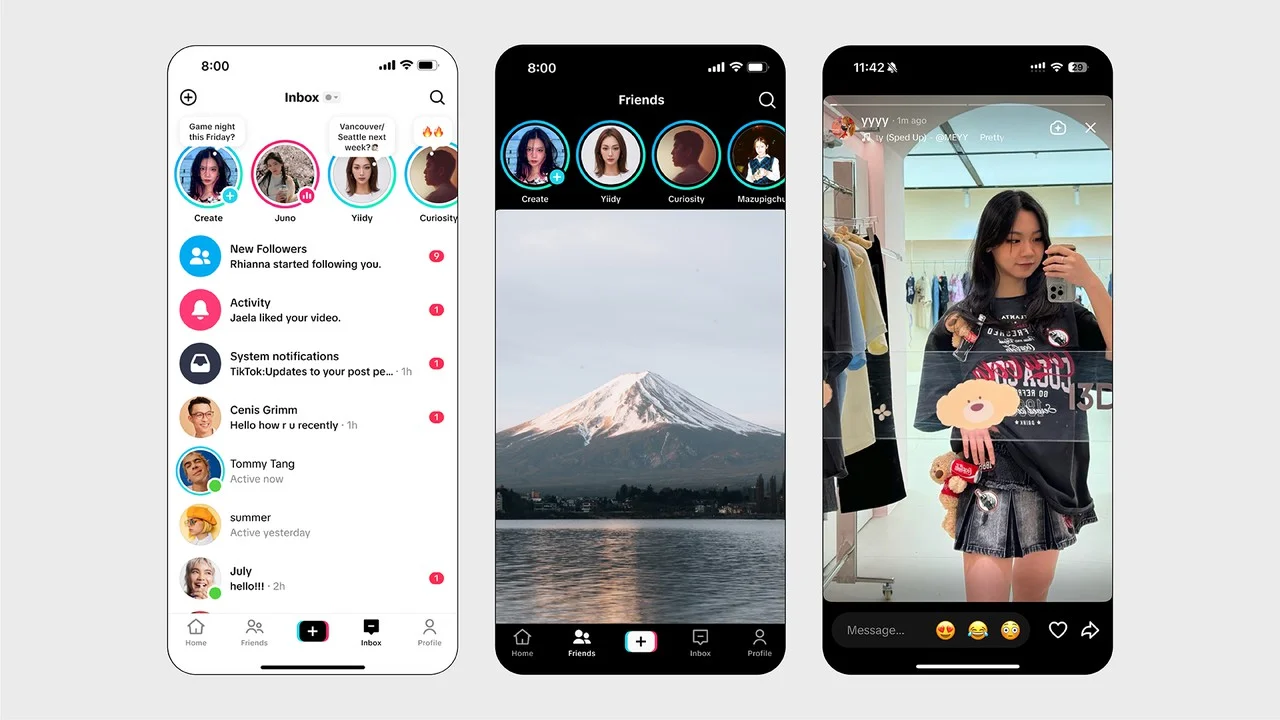
Stories Format, Length, and the 24-Hour Expiry
Here’s what you need to know:
- A Story stays live for 24 hours, then disappears unless you save it as a Story Highlight.
- You can post photos or videos in a vertical 9:16 format.
- Videos can be up to 60 seconds long per Story.
- You can post multiple Stories, so viewers tap through them one by one.
- People can reply or react to your Story, and those responses land in your DMs.

That 24-hour timer is not a limitation to work around, it’s the point. Anything you wouldn’t want permanently on your profile, such as a rough content test, a same-day promotion, or a quick reaction, fits naturally into Stories because they’re designed to disappear.
Where Stories Show Up (Profile Ring, Feed, Inbox)
When you post a Story, a colored ring appears around your profile picture, the same signal Instagram trained everyone to tap. Beyond that, Stories can surface in your profile, the inbox, and the feeds.
The safe way to think about it:
- Most likely to see it: people already connected to you (they spot your ring or see you in-feed).
- Might also see it: new people, if you are public with “Everyone” visibility.
Plan for the first group. Enjoy the second as a bonus.
Story Highlights, the Feature That Makes Stories Last
There is one more feature worth knowing, and it is now official in TikTok’s help center. Story Highlights let you save Stories to your profile, so they stay visible past the 24-hour cutoff, much like Instagram Highlights.
Why this matters:
- Your best Stories do not have to vanish.
- You can pin useful ones (an FAQ, a how-to, your current offer), so new profile visitors find them later.
See how to add different TikTok Stories Highlights in this quick walkthrough:
This is the part no other guide gets right. Instead of a flat list where every idea sounds equally proven, here are eight tactics, each with an honest confidence label and the stage it fits best.
Read the labels this way:
- High: built on confirmed TikTok mechanics plus well-tested marketing logic. Spend real effort here.
- Medium: the mechanics support it, but there is no Stories-specific proof. Smart to try, not guaranteed.
- Low: a reasonable idea with no documented example yet. Treat as an experiment.
| Tactic | Best for | Confidence |
| Content testing ground | Any brand already posting to the feed | High |
| Time-boxed urgency | Ecommerce, or any launch moment | High |
| Behind-the-scenes | Brands building trust and loyalty | Medium |
| Exclusivity signaling | Brands with an engaged audience | Medium |
| Interactive feedback | Any stage | Medium |
| Cross-platform teasers | Brands on several channels | Medium |
| Highlights as an info layer | Brands with evergreen info to pin | Medium |
| Multi-part sequencing | Brands with real planning capacity | Low |
1. Content Testing Ground
Confidence: High. Best for: any brand already posting to the feed.
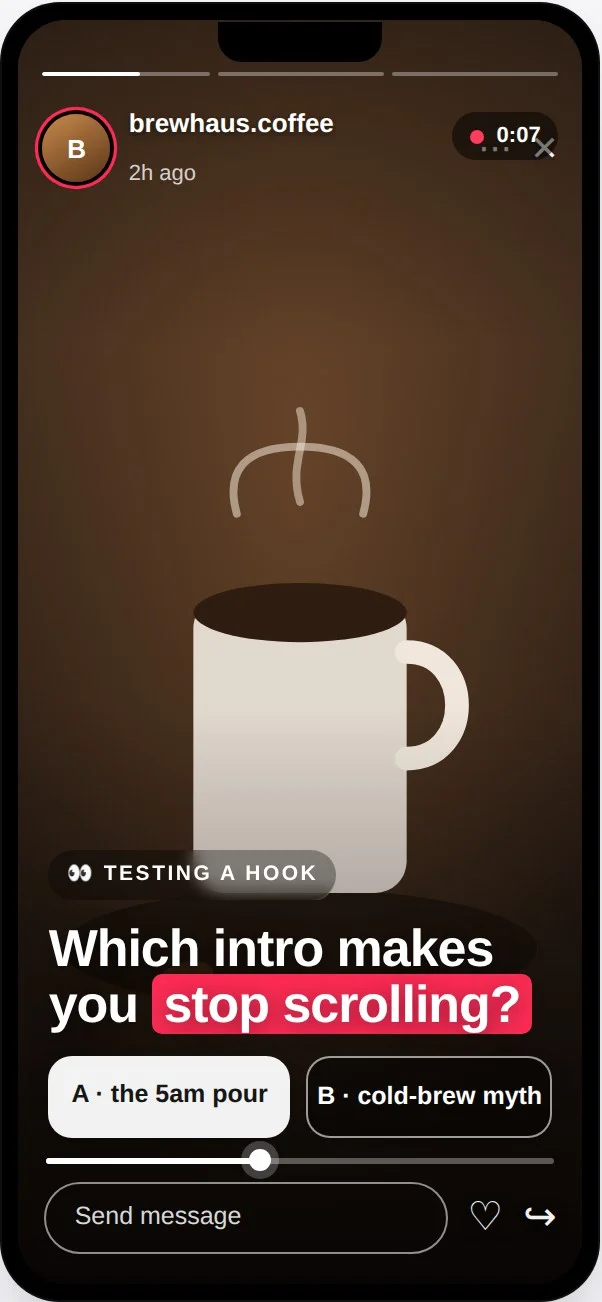
This is the strongest use of Stories, and the one to start with. Try a raw idea in a Story before you spend real time on a full feed video.
- Test a new hook, a new tone, or a format you are unsure about.
- A flop disappears in 24 hours instead of sitting on your profile.
- Because Stories sit outside the main feed, a weak test will not confuse the signals behind how the TikTok algorithm ranks content.
Example: A coffee brand films two hooks for a new drink, one funny, one calm. They post both to Stories. The funny one gets far more replies, so only that version becomes a polished feed video.
2. Time-Boxed Urgency Content
Confidence: High. Best for: ecommerce, or any launch moment.
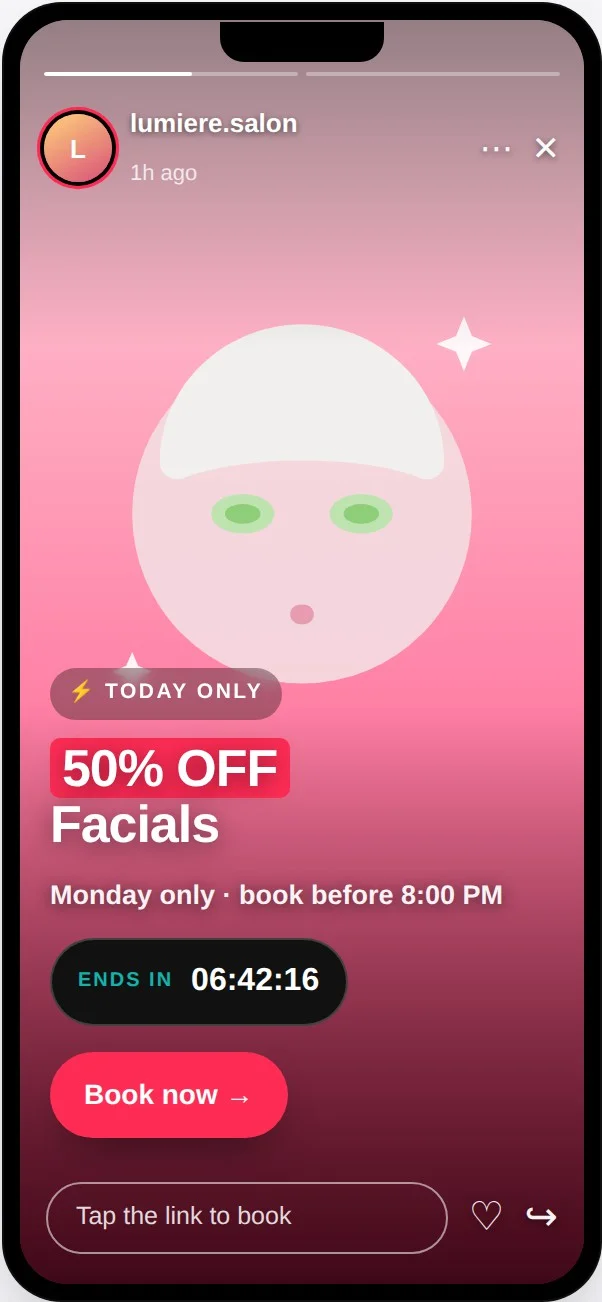
The 24-hour timer is a built-in deadline. Use it for things that are meant to expire.
- Flash sales, same-day drops, launch-day countdowns, a code good until midnight.
- The format enforces the urgency for you.
Example: A skincare shop posts “Code GLOW, 20% off, gone at midnight” as a Story. When the Story disappears, so does the offer. Clean and honest.
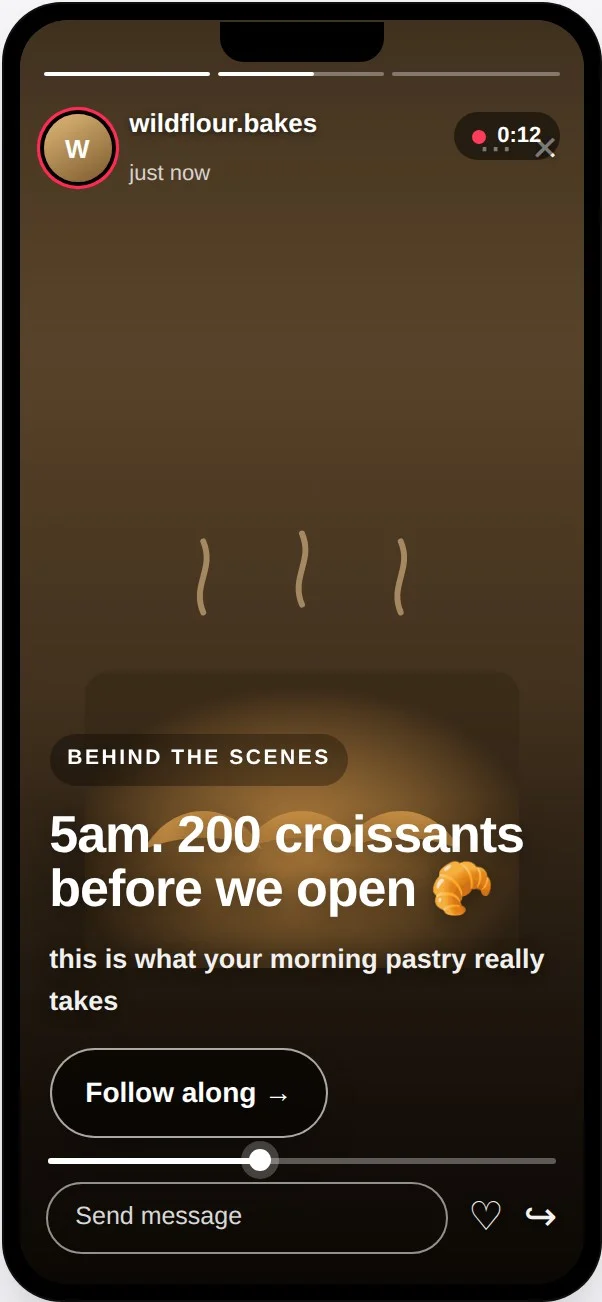
3. Behind-the-Scenes and Process Transparency
Confidence: Medium. Best for: brands building trust and loyalty.
Use Stories for the casual, human moments that would not justify a full feed post.
- Team clips, work-in-progress, a day in the life.
- It fits the relaxed, unpolished feel of Stories.
Why only medium: the logic is sound, but there is no Stories-specific proof it beats the same content elsewhere. Best once you have followers who care, since a small audience means a small payoff.
4. Exclusivity and Inner-Circle Signaling
Confidence: Medium. Best for: brands with an engaged audience.
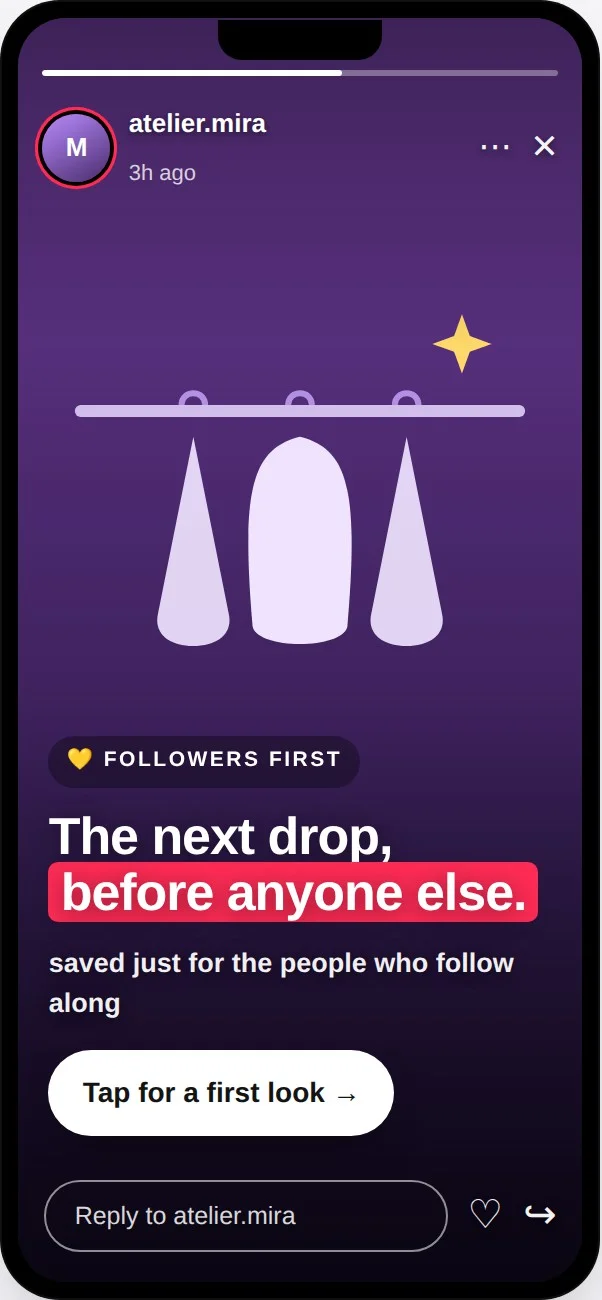
Frame some Stories as content for the people already in the room.
- A first look, a members-only note, a thank-you to regulars.
- The “here today, gone tomorrow” feel makes it feel special.
This rewards your core audience rather than chasing strangers, the same thinking behind ICP-first community building. It is wasted if you do not have an engaged base yet, but a strong play if you do. It also pairs well with the kind of exclusive community-building tactics brands use on other platforms.
5. Interactive Feedback Loops
Confidence: Medium. Best for: any stage.
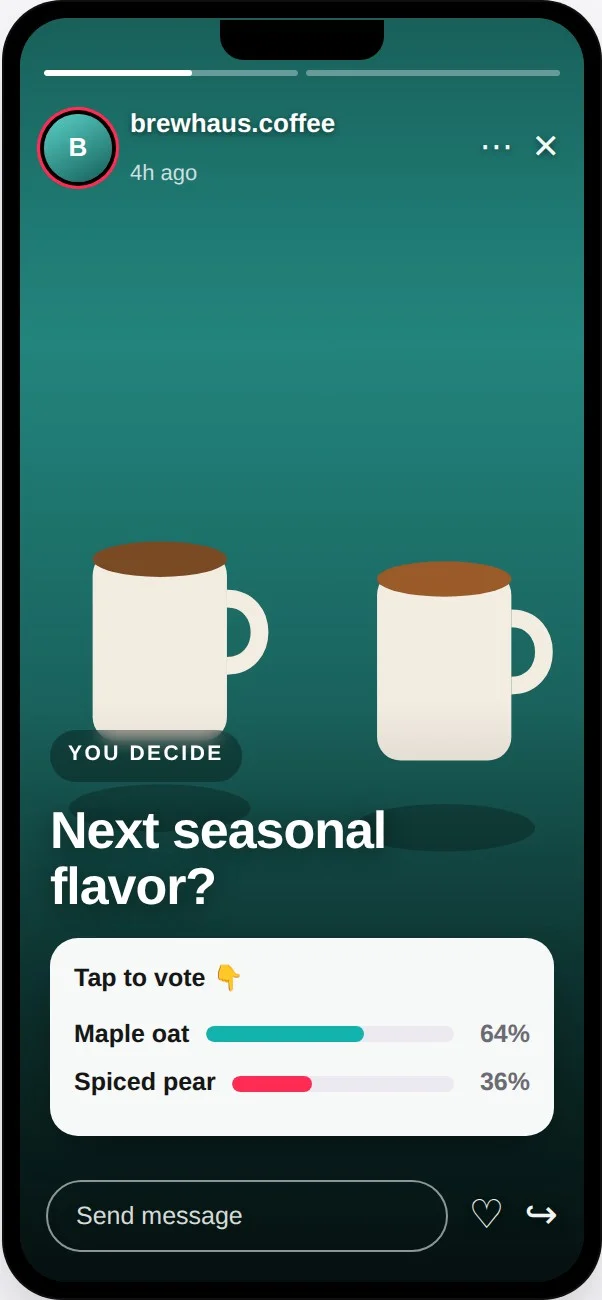
Use poll and question stickers to ask, then let the answers shape your feed.
- “Which flavor should we launch?”
- “What do you want a tutorial on?”
The stickers work; whether they beat asking in comments is not documented, hence medium. The real win is that it feeds your planning: you ask, then post what people asked for.
6. Cross-Platform Campaign Amplification
Confidence: Medium. Best for: brands on several channels.
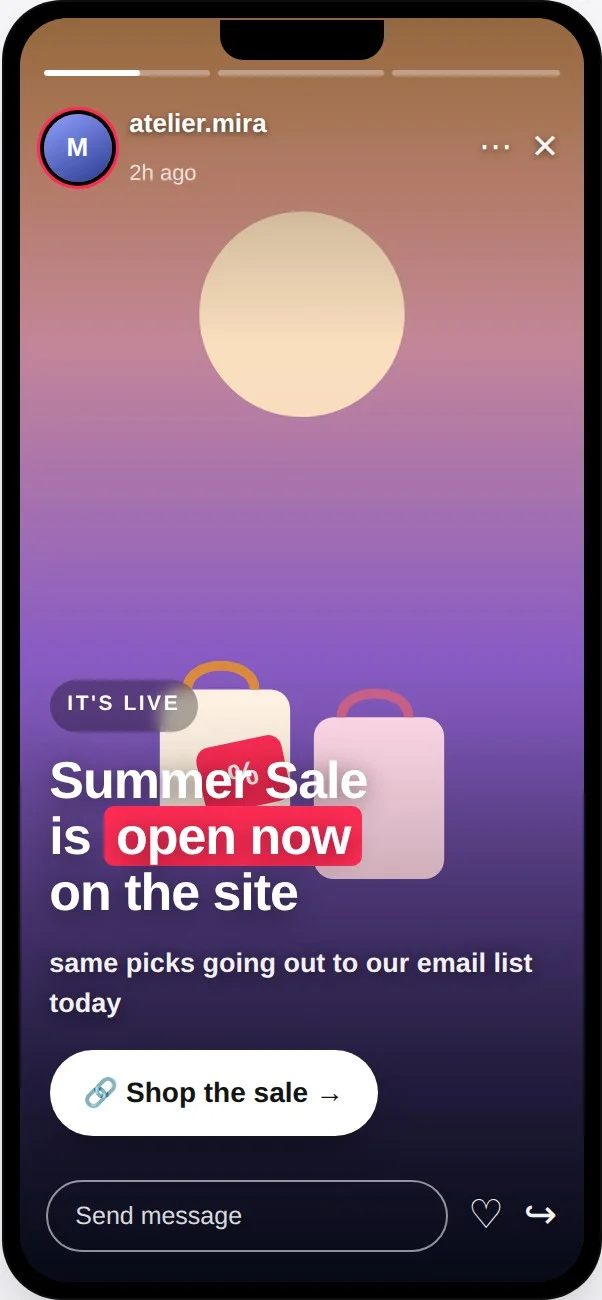
If a campaign is already live on Instagram, email, or your site, use a Story to point to it.
- A quick “this is live now” nudge keeps your channels working together.
Only useful once you actually have other channels to promote. Solid logic, no Stories-specific proof.
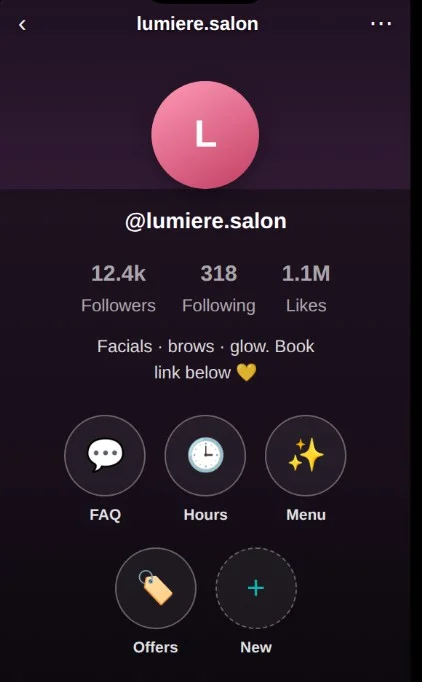
7. Story Highlights as a Persistent Info Layer
Confidence: Medium. Best for: brands with evergreen info to pin.
Use Highlights to keep useful Stories on your profile past 24 hours.
- Pin an FAQ, a how-to, your current promo, or a “start here” set.
- New visitors find it without you re-posting the same thing.
The feature is official (per TikTok’s help center), so the mechanics are solid. It sits at medium only because there is no data on how much it moves the needle. Low effort, likely worth it.
8. Multi-Part Sequencing
Confidence: Low. Best for: brands with real planning capacity.
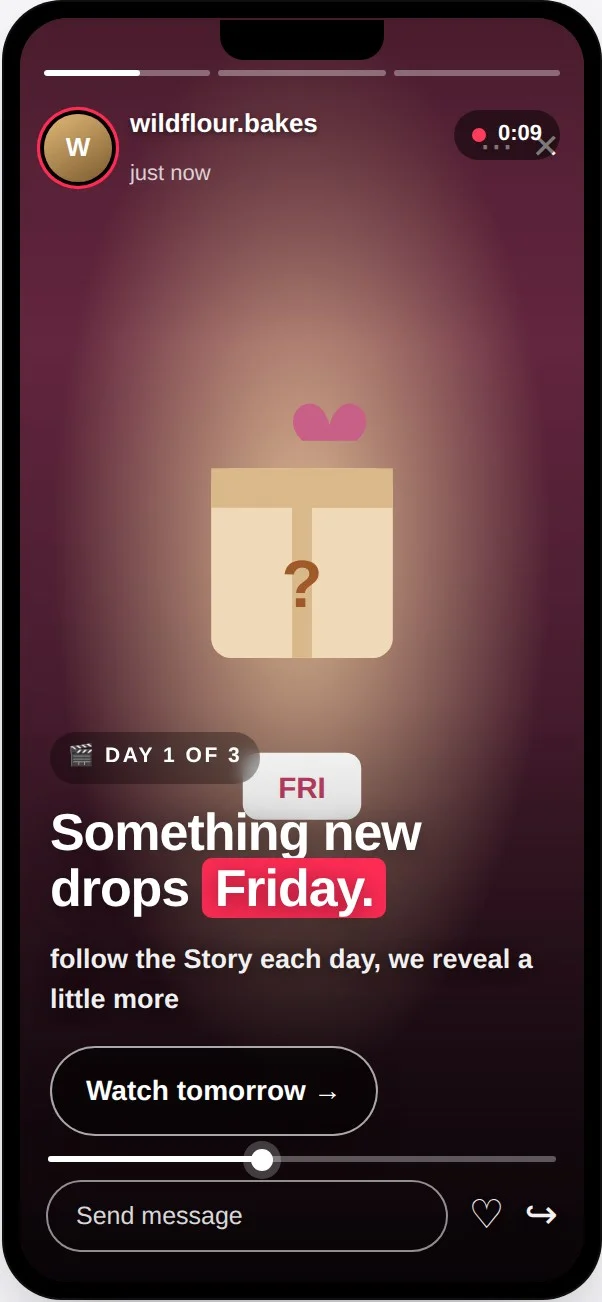
Tell one story across several posts, a daily arc tied to a launch or event.
- Day one teases, day two reveals, day three delivers.
This is the most experimental tactic here. It is possible, but no documented brand example turned up. It also asks the most of you in planning time. Try it as an experiment, not a recipe.
Which Tactics Fit Your Stage of Growth
Eight tactics is a menu, not a to-do list. You should not run all of them. Find your row below and start there.
| Your stage | Start with | Save for later |
| Early-growth (still building an audience) | Content testing, time-boxed urgency | Exclusivity, behind-the-scenes, sequencing |
| Established (engaged following) | Exclusivity, behind-the-scenes, feedback loops (keep testing too) | Nothing, the menu is open to you |
| Multi-channel or agency (several accounts) | Cross-platform teasers, a per-account plan | Heavy sequencing unless you have the capacity |
How each stage should use Stories differently:
- Early Growth: If you’re still building an audience, focus on learning what resonates. Use Stories to test content ideas before turning them into feed posts, and occasionally create urgency with limited-time offers. Save community-building tactics like exclusivity until you have a loyal audience to engage.
- Established Brands: With an engaged audience, Stories become a relationship-building tool. Share behind-the-scenes moments, reward loyal followers with exclusive content, ask for feedback, and keep experimenting to discover what drives the strongest engagement.
- Agencies & Multi-Brand Teams: When you’re managing multiple accounts, the challenge isn’t finding tactics, it’s applying the right ones to the right client. Match each account’s growth stage with the appropriate Story strategy, then keep everything organized in a consistent content calendar.
Where Brands Get TikTok Stories Wrong
Most guides skip this part. But the mistakes are where Stories efforts actually die. Here are the five that matter, in plain terms.
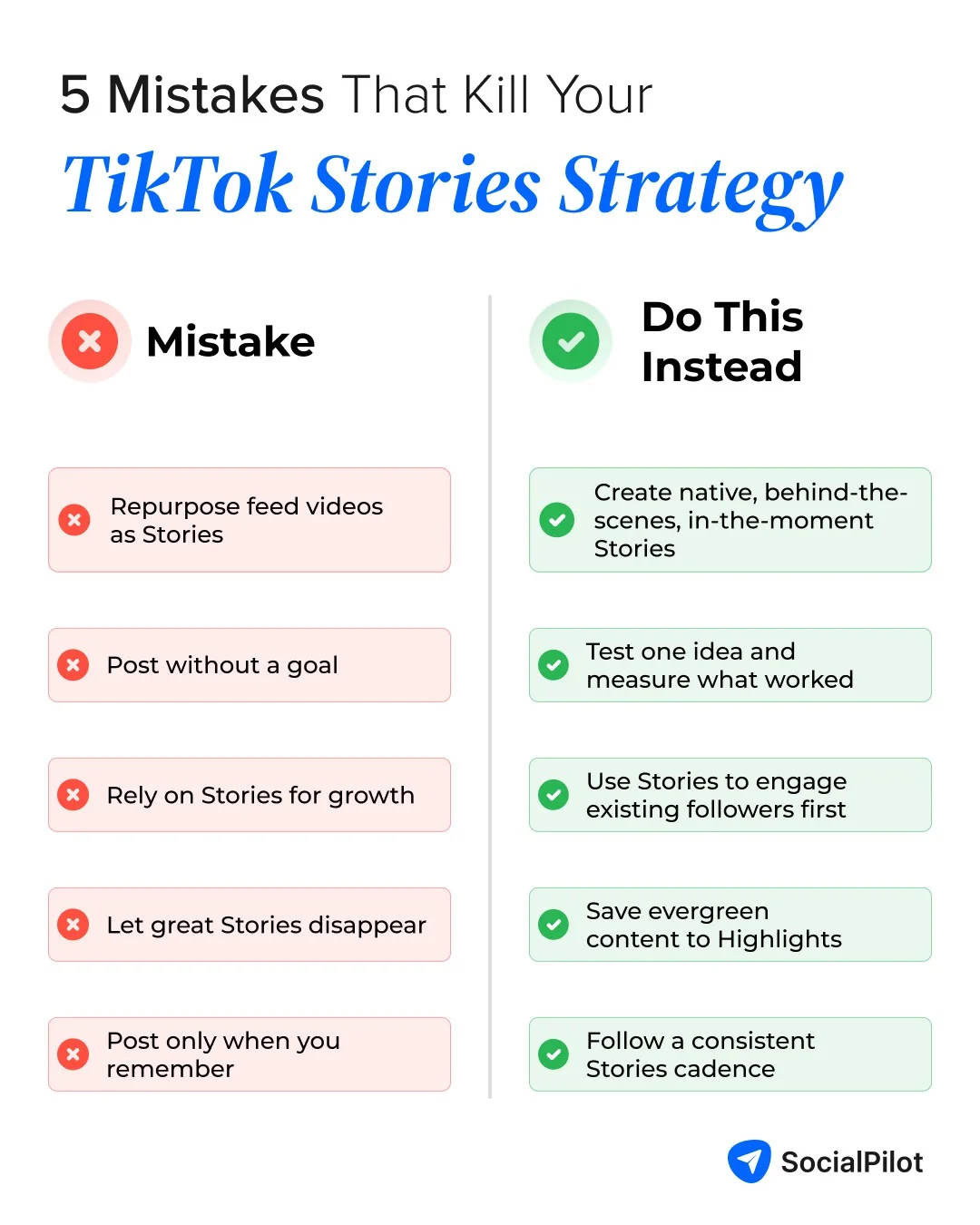
- Treating Stories like shrunken feed videos. If you just chop up a feed video and dump it in, it feels too polished to be a real Story and too broken up to work like a post. Stories want their own rougher, in-the-moment content. Give them that, or skip it.
- Posting with no learning loop. The number-one tactic is testing, but a test only counts if you read the result. Decide what you want to learn before you post, then act on the answer. Otherwise it is just content that disappeared.
- Betting your growth on reach you cannot control. Yes, public Stories can reach non-followers. No, you should not build a growth plan on it. Reach to strangers is a bonus, not a foundation. Plan for the followers you already have.
- No plan for Highlights, so good content vanishes. By default, everything is gone in 24 hours. Fine for a test or a same-day promo. A waste for a genuinely useful how-to. Have a simple rule for what gets pinned to Highlights before it expires.
- No consistency, so Stories get posted in random bursts. This is the quiet killer. Stories rarely fail because the tactic was wrong. They fail because they were never planned, so they happen in bursts, then not at all for two weeks. The fix is a real cadence, covered next.
Building Stories into Your Wider TikTok Plan
Here is the honest, practical bit, and it comes with a clear line about tools.
You post and track Stories inside TikTok itself. You create them in the app, and you see who viewed them natively (swipe up on your own Story to see the viewer list). No third-party tool posts or schedules TikTok Stories for you, and none reports your Story analytics. So do not go shopping for one that claims to.
Where a scheduling tool does help is the layer around your Stories: your regular TikTok feed videos and your other platforms. That is the content your Stories quietly support, since the ideas you test in a Story are meant to graduate into polished feed posts.
A simple way to run it:
- Treat Stories as a lightweight lane you post live, in-app, on a rough rhythm (say, two test Stories a week, an urgency Story around each launch, a feedback poll every couple of weeks).
- Treat your feed content as the planned backbone: the winning ideas from your Story tests, written up and scheduled in advance.
- Keep both visible in one plan so nothing slips.
TikTok’s official API doesn’t support Story publishing, scheduling, or Story analytics, so these features aren’t available in most third-party social media management tools. Tools like SocialPilot help bridge that gap by letting you plan and schedule your TikTok feed videos (along with content for your other social channels) from one calendar. While Stories still need to be published natively, your proven Story ideas can easily become consistently scheduled feed content.
If you want the full system, start by building a content calendar that has room for both your live Stories rhythm and your scheduled feed posts. This short walkthrough shows how that comes together:
Start With One Tactic, Not Eight
The real shift here is simple: stop waiting for a perfect, proven system that does not exist, and start using TikTok Stories on purpose as a place to test and connect.
So do not run the whole menu. Do this instead:
- Pick one tactic that fits your stage (testing if you are early, a relationship play if you are established).
- Run it consistently for one month.
- Only then add a second.
That is a real, honestly-scoped strategy, which is more than almost anyone else is offering you. Once your Stories rhythm is steady, the same discipline lifts your whole channel, and there are plenty of proven TikTok growth tactics to fold in next.
When you are ready to plan your feed and other channels in one place, see how SocialPilot’s plans fit the way you actually work.