
Which WordPress plugin to choose to collect emails in 2026? Some will be useful to optimize your contact form, others to encourage downloading of a ebook or subscribing to your newsletter. Here is the list of essential WordPress email plugins to use to convert on your site.
Do you want to delegate email collection? Call on a freelance specialist by submitting a project on Codeur.com. Dozens of freelancers specializing in emailing will offer you effective solutions.
The best WordPress email collection plugins
To be effective, your collection tool must be efficient. There are many plugins for collecting emails on WordPress. Some are free, others pay.
To help you make the best choice, Codeur.com offers you its selection of the 10 best WordPress plugins for collecting emails.
1. OptinMonster, the best WordPress email plugin to convert
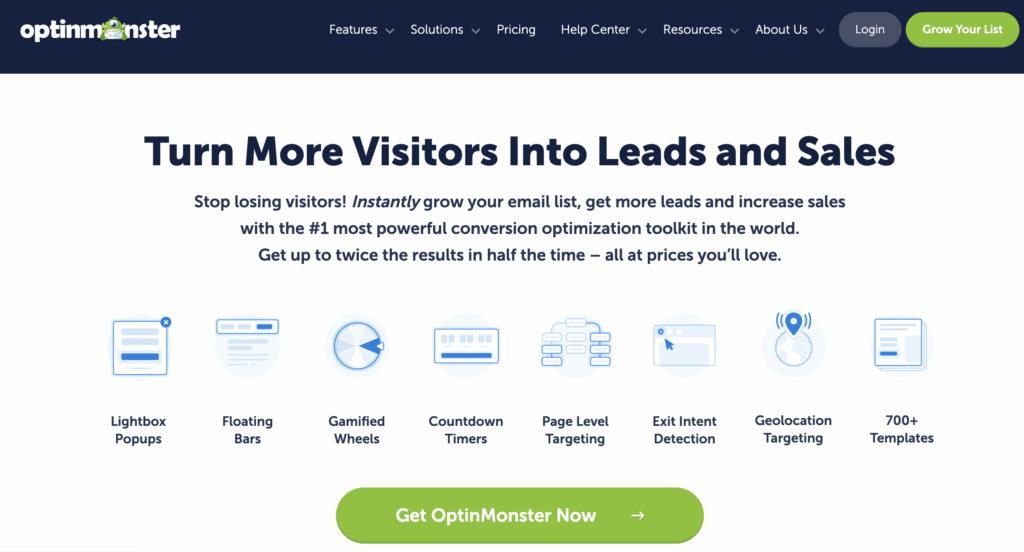
OptinMonster is often considered the best WordPress email plugin for converting visitors into subscribers. It stands out for its intelligent popups, exit intent and advanced behavioral targeting, which allow you to display the right message at the right time. It is an ideal choice for sites that want to maximize their conversion rate without making their marketing stack more complex.
2. RafflePress

RafflePress is a particularly effective plugin for collecting emails quickly thanks to competitions and giveaways. By encouraging users to participate to win a prize, it naturally boosts lead acquisition. It is a very relevant solution for launches, viral campaigns or the rapid growth of an email list.
3. SeedProd

SeedProd is a landing page creation plugin that integrates conversion-optimized registration forms. It makes it easy to create pages dedicated to collecting emails without technical skills. It’s a great choice for setting up simple and effective funnels directly on WordPress.
4. WPForms
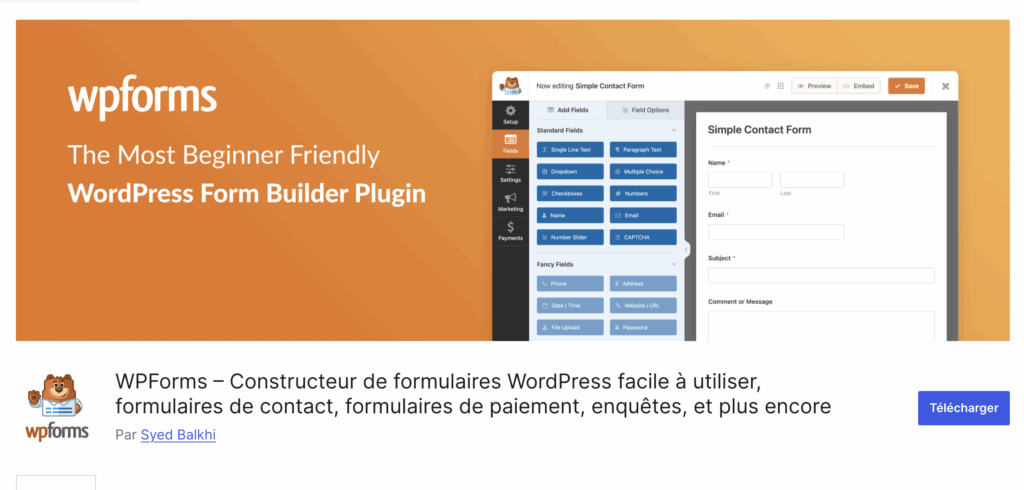
WPForms is one of the most popular form plugins on WordPress for collecting emails simply. Its intuitive interface allows you to quickly create registration forms connected to tools like Mailchimp or Brevo. It is ideal for beginners who want a reliable and easy to set up solution.
5. Why choose the FluentForms WordPress plugin?
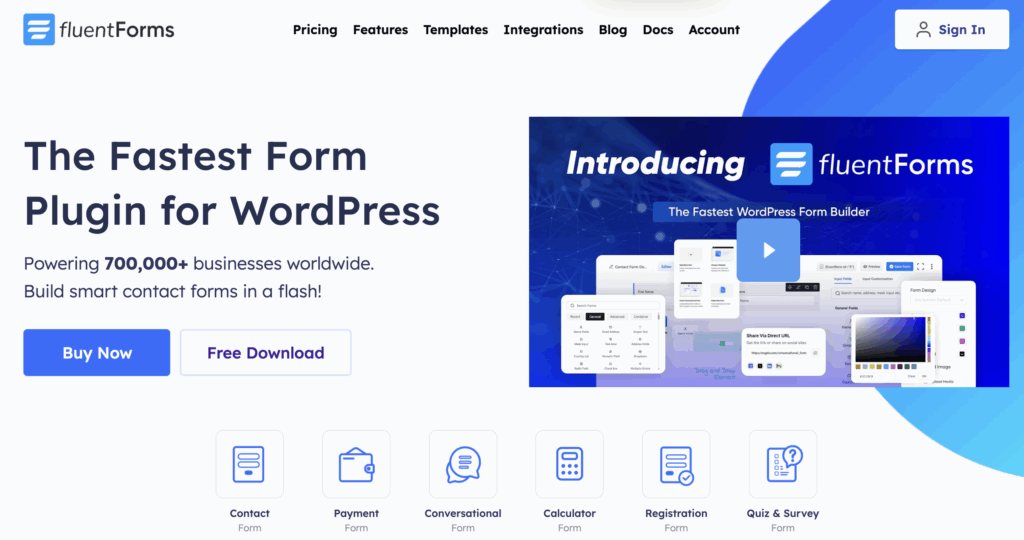
Fluent Forms is a modern alternative to WPForms, designed to provide more flexibility and performance. It offers built-in automations and numerous connections with marketing tools, making it a good choice for users who want to go further in managing their leads without multiplying plugins.
6. Capture
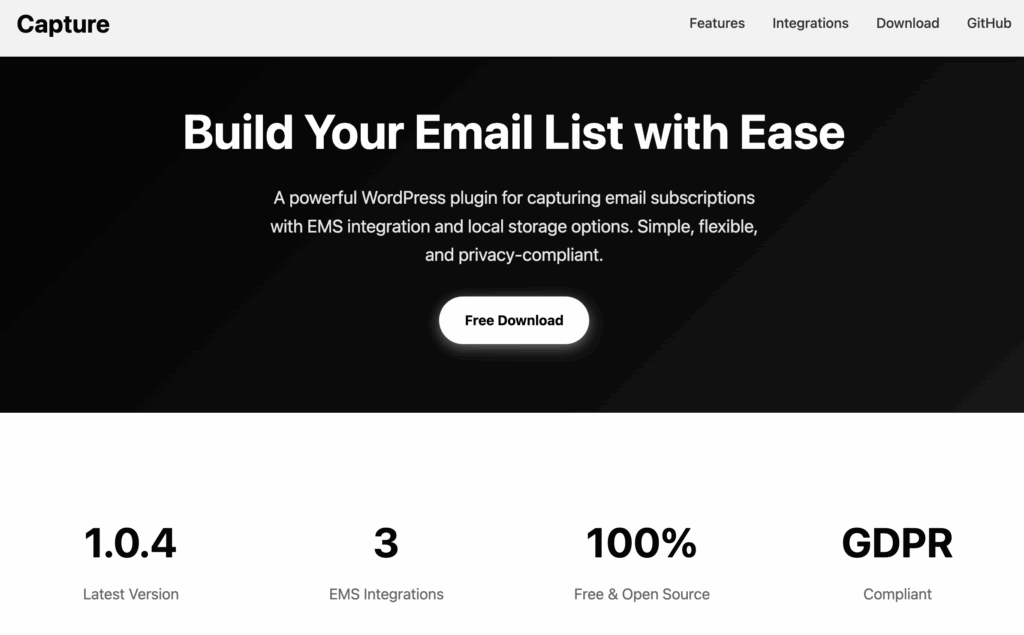
Capture is an interesting WordPress plugin for those who want to maintain control over their data. It allows you to store emails directly in WordPress while connecting them to external services if necessary. It is a solution particularly suited to users sensitive to confidentiality and GDPR compliance issues.
7. WordPress mail plugin: MailPoet

MailPoet is an all-in-one solution for collecting emails and sending newsletters directly from WordPress. With its integrated forms, automations and ease of use, it is ideal for content creators and small businesses who want to manage their email marketing without relying on an external tool.
8. Brevo

Brevoa plug-in developed by SendinBlue, allows you to manage all your emails using a single plug-in. From email collection, sending and data management, Brevo effortlessly manages all your emailing projects. This tool aims to develop your email collection, manage your marketing promotions and increase the number of visitors to your landing pages.
The plug-in also allows you to manage all your funnels and sales platforms to optimize all these processes using a single tool.
9. Mailchimp for WordPress (MC4WP)

This plugin MailChimp is a simple and effective essential plugin for connecting WordPress to Mailchimp and collecting emails via clean and quick to set up forms. It integrates easily with most themes and plugins, making it a reliable solution for users already engaged in the Mailchimp ecosystem.
10. Bloom (Elegant Themes)

Bloom is an email capture plugin developed by Elegant Themes, known for its many types of forms like popups, fly-ins and inline forms. It integrates perfectly with Divi and offers a neat visual interface, ideal for design-oriented sites.
11. Hustles

You can hate them or love them. Regardless, pop-ups are extremely effective for collecting email addresses.
The plugin Hustle allows you to create targeted marketing campaigns, keep your prospects on your site and create your own distribution list. Indeed, this extension allows you to insert an advertisement that is triggered at the appropriate time, while targeting the right audience.
12. Optimize Press

Optimize Press is a WordPress plug-in, as well as a theme, allowing the creation of sites intended for collecting emails. Do you want to create a landing page? This is the extension you need!
Very intuitive, Optimize Press has a drag-and-drop system to personalize your sales pages and promotional inserts. With around thirty templates and multiple buttons, icons and visuals, you can build a modern and personalized email collection page.
A must for boosting downloads of your white papers, registrations for trial offers and quote requests.
13. Sumo.me
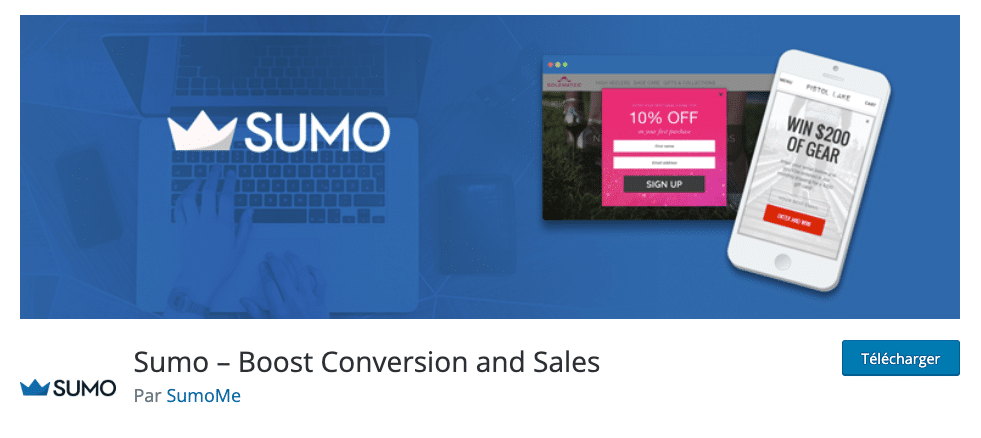
Sumo.me is one of the most complete solutions for expanding your mailing list and your conversions in general.
It includes a tool called “List Builder” to win emails using high-performance pop-up windows, but also scroll boxes (which are triggered when your visitor scrolls the page) or message bars (appearing at the top or bottom of the page).
14. Thrive Leads

Thrive Leads is a very comprehensive plugin with several dozen form templates that you can customize with a drag-and-drop editor.
It also allows you to perform A/B testing between different forms and analyze their respective performances. It is designed for marketers who want to optimize every point of contact with their visitors.
Why collect emails on a WordPress site?
Collecting emails allows you to build an audience that you control, segment your contacts according to their interests and send personalized messages to improve your conversions. It is also a very profitable marketing channel, with costs much lower than traditional media.
Finally, email marketing offers precise monitoring of performance (openings, clicks, unsubscribes) and helps to increase your visibility, your engagement and your sales in the long term.
How to collect email addresses on WordPress?
There are several ways to collect the email addresses of people who visit your website. You can simply use a WordPress contact form plugin For example.
Offer real value in exchange for the email (lead magnet)
To encourage a visitor to register, you must offer them a clear and immediate benefit. We talk about “lead magnet”: free resource, reduction or exclusive content.
Effective examples:
- downloadable guide or ebook
- checklist or free resources
- discount or promo code
- free delivery or customer advantage
The higher the perceived value, the higher the registration rate.
Use multiple email capture levers on WordPress
To maximize collection, it is recommended to combine multiple form formats and touchpoints.
Pop-ups and dynamic forms
Pop-ups (entry, exit, scroll) help capture attention at the right time. Well targeted, they are among the most effective tools for generating leads.
Competitions and giveaways
Contests allow you to quickly collect emails in exchange for participation. This is a very effective method for boosting an audience in a short time.
Downloadable content
Offering resources with high added value (white papers, studies, customer cases, infographics) remains one of the most qualitative levers in email acquisition.
Webinars and online events
Webinars are particularly effective for collecting qualified emails while educating your audience and showcasing your offers.
Social networks and calls to action
Social networks can redirect to a registration form via a link or a call-to-action, which allows external traffic to be transformed into leads.
Collection via user interaction
Review or feedback forms allow you to collect emails while improving your products and your user experience.
Optimize form placement and design
The performance of a form strongly depends on its location. It must be quickly visible on high traffic pages and integrated into key points of the user journey.
The most effective locations:
- home page
- blog posts
- enter or exit pop-up
- bars or blocks embedded in the content
The design must remain simple, clear and quick to complete. A form that is too long or too complex greatly reduces the conversion rate.
What is the best WordPress plugin for collecting emails?
The best plugin depends on your goal. OptinMonster often performs best for conversion, while WPForms or Fluent Forms are ideal for simple forms. For an all-in-one solution, MailPoet is particularly effective.
Which plugin should I use to create email pop-ups on WordPress?
OptinMonster and Thrive Leads are the most advanced solutions for creating optimized pop-ups. They make it possible to target visitors according to their behavior (scroll, exit intention, pages visited), which greatly improves conversion rates.
Is there a free WordPress plugin to collect emails?
Yes, several plugins offer free versions like WPForms Lite, Fluent Forms, MailPoet or Mailchimp for WordPress. They make it easy to get started, although advanced features are often reserved for paid versions.
Are WordPress email plugins GDPR compatible?
Most serious plugins are GDPR compatible provided you correctly configure consent (checkbox, double opt-in, privacy policy). Tools like MailPoet or Fluent Forms make compliance easier.
And if you need help improving your website's conversion funnel, don't hesitate to post your ad on Codeur.com. You will definitely find a WordPress developer to help you.