
The web host is an important point of a website. According to the offer you choosethe disk space available to you and the loading speed of your site differ.
In addition, prices can vary enormously from one provider to another. So, if you are not satisfied with the services of your host, it may be time to change.
Transferring a site is not complicated, but requires a minimum of anticipation and organization. Here are some steps to guide you in this process.
1. Choose your new host
The first thing to do is to identify your needs.
- What are your disk space requirements?
- How many visitors do you have on your site each day? Simultaneously?
- Do you have specific database needs? How big is your base? How big do you estimate it will be in a year?
- What are your needs for server supported languages?
- How many email addresses do you have?
- What is your budget?
Please note: subscribe to your new offer before canceling the old one, at the risk of an interruption of service or even loss of data.
Here are some hosts whose services and prices we particularly appreciate. Find other hosts in our dedicated article.
1. OVH
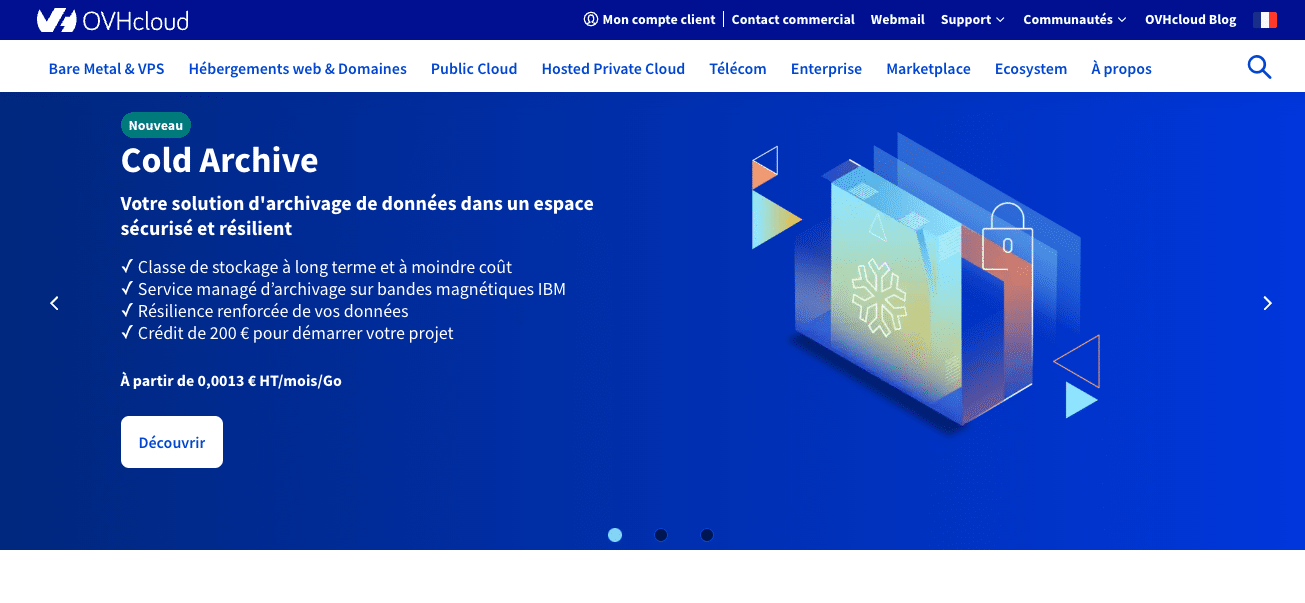
French nugget, OVH is one of the largest hosting providers. Its prices are extremely competitive, and the services offered are suitable for any type of website.
If you have a showcase website or an online store, the shared offers will suit you and it will only cost you a few euros per month.
If you need more email addresses, simply purchase a certain number of email addresses, which you pay for only once.
2. Infomaniak

Based in Switzerland, Infomaniak also offers numerous ranges at prices that are slightly more expensive than OVH.
A major strong point of this host, it is suitable for sites broadcasting content on demand: audio and video. It is therefore particularly appreciated by radio stations which can broadcast in streaming.
It also offers an online backup service and a file sharing tool.
3. Ionos

Ionosbetter known as 1&1, is a German hosting provider.
Its services and prices are substantially equivalent to those of OVH with regard to shared offers, i.e. those which correspond to the needs of sites that do not have tens of thousands of simultaneous visitors.
2. Back up your files and databases
Once the new hosting is subscribed and accessible, you should back up your entire website.
Depending on your current host, you can download all the files directly from the customer area, or retrieve them via a FTP client such as FileZilla.
Then transfer them to your new hosting, via FTP or SSH or using the upload tool provided, if applicable.
Export your databases and your current hosting, then import them to the new one.
3. Manage your email addresses
Back up your emails. Usually email software, such as Mail or Outlook, downloads them from the server and saves them on the computer. Verify that this is the case or make a backup.
Then create the email addresses with the new host.
4. Change your DNS or transfer your domain name
If you chose to also transfer your domain name with the new host, it is time to do it, following the procedure they provide you.
If you prefer not to transfer it, then you should modify the DNS records of your domain name with the current host. THE DNS allow you to direct yourself, when you type the address of a site, to the hosting on which this site is located, and therefore to access it.
This change – the propagation delay – can take up to 48 hours, but is usually done within a few hours. During this time it is advisable not to update your site on the old hosting, so as not to have to transfer these changes to the new one.
5. Check that everything is okay
Once your site is migrated to the new host, test it! Browse, make sure everything is ok and all your files are accessible.
Most hosts offer access to the site via a dedicated link, which does not use the domain name. This allows you to test the site before changing the DNS.
6. Terminate the old offer
Once your site is fully migrated, you can cancel the offer with the old host.
As a precaution, wait about two weeks. This will allow you to be sure that no files are missing.
Conclusion
Transferring a site is not complicated, but needs to be planned and organized. In a few hours of work, you will be able to complete your transfer.
If you don't have the time to do it or are afraid of making a mistake, you can call a network expert from Codeur.com who will take care of the transfer for you.