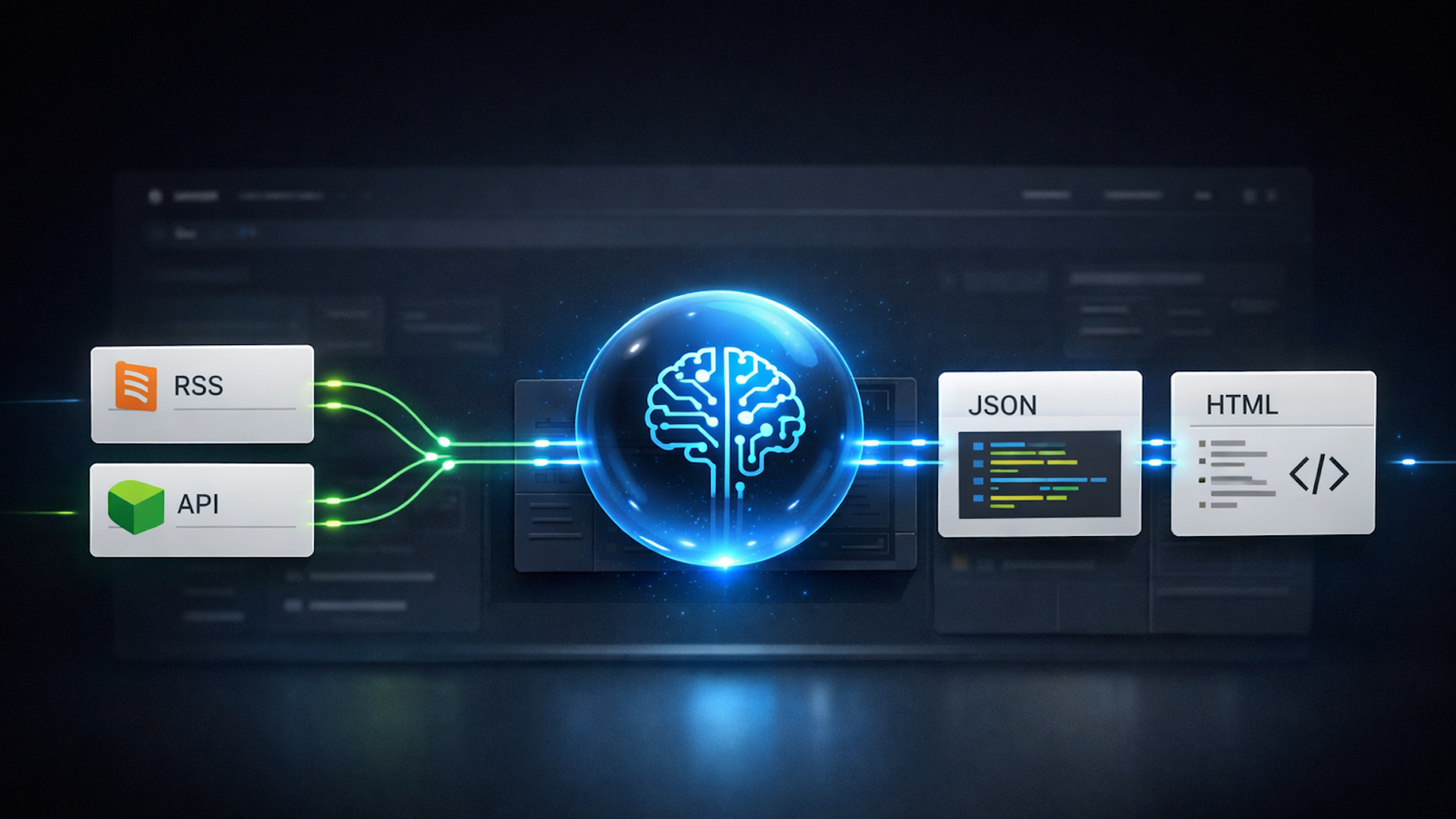
Automation has long been part of the discipline, helping teams structure data, streamline reporting, and reduce repetitive work. Now, AI agent platforms combine workflow orchestration with large language models to execute multi-step tasks across systems.
Among them, n8n stands out for its flexibility and control. Here’s how it works – and where it fits in modern SEO operations.
Understanding how n8n AI agents are deployed
If you think of modern AI agent platforms as an AI-powered Zapier, you’re not far off. The difference is that tools like n8n don’t just pass data between steps. They interpret it, transform it, and determine what happens next.
Getting started with n8n means choosing between cloud-hosted and self-hosted deployment. You can have n8n host your environment, but there are drawbacks:
- The environment is more sandboxed.
- You can’t recode the server to interact with n8n workflows in custom ways, such as de-sandboxing the saving of certain file types to a database.
- You can’t install or use community nodes.
- Costs tend to be higher.
There are advantages, too:
- You don’t have to be as hands-on managing the n8n environment or applying patches after core engine updates.
- Less technical expertise is required, and you don’t need a developer to set it up.
- Although customization and control are reduced, maintenance is less frequent and less stressful.
There are also multiple license packages available. If you run n8n self-hosted, you can use it for free. However, that can be challenging for larger teams, as version control and change attribution are limited in the free tier.
Your customers search everywhere. Make sure your brand shows up.
The SEO toolkit you know, plus the AI visibility data you need.
Start Free Trial
Get started with

How n8n workflows run in practice
Regardless of the package you choose, using AI models and LLMs isn’t free. You’ll need to set up API credentials with providers such as Google, OpenAI, and Anthropic.
Once n8n is installed, the interface presents a simple canvas for designing processes, similar to Zapier.

You can add nodes and pull in data from external sources. Webhook nodes can trigger workflows, whether on a schedule, through a contact form, or via another system.
Executed workflows can then deliver outputs to destinations such as Gmail, Microsoft Teams, or HTTP request nodes, which can trigger other n8n workflows or communicate with external APIs.
In the example above, a simple workflow scrapes RSS feeds from several search news publishers and generates a summary. It doesn’t produce a full news article or blog post, but it significantly reduces the time needed to recap key updates.
Dig deeper: Are we ready for the agentic web?
Building AI agent workflows in n8n
Below, you can see the interior of a webhook trigger node. This node generates a webhook URL. When Microsoft Teams calls that URL through a configured “Outgoing webhook” app, the workflow in n8n is triggered.
Users can request a search news update directly within a specific Teams channel, and n8n handles the rest, including the response.

Once you begin building AI agent nodes, which can communicate with LLMs from OpenAI, Google, Anthropic, and others, the platform’s capabilities become clearer.

In the image above, the left side shows the prompt creation view. You can dynamically pass variables from previously executed nodes. On the right, you’ll see the prompt output for the current execution, which is then sent to the selected LLM.
In this case, data from the scraping node, including content from multiple RSS feeds, is passed into the prompt to generate a summary of recent search news. The prompt is structured using Markdown formatting to make it easier for the LLM to interpret.
Returning to the main AI agent node view, you’ll see that two prompts are supported.

The user prompt defines the role and handles dynamic data mapping by inserting and labeling variables so the AI understands what it’s processing. The system prompt provides more detailed, structured instructions, including output requirements and formatting examples. Both prompts are extensive and formatted in markdown.
On the right side of the interface, you can view sample output. Data moves between n8n nodes as JSON. In this example, the view has been switched to “Schema” mode to make it easier to read and debug. The raw JSON output is available in the “JSON” tab.
This project required two AI agent nodes.

The short news summary needed to be converted to HTML so it could be delivered via email and Microsoft Teams, both of which support HTML.
The first node handled summarizing the news. However, when the prompt became large enough to generate the summary and perform the HTML conversion in a single step, performance began to degrade, likely due to LLM memory constraints.
To address this, a second AI agent node converts the parsed JSON summary into HTML for delivery. In practice, a dual AI agent node structure often works well for smaller, focused tasks.
Finally, the news summary is delivered via Teams and Gmail. Let’s look inside the Gmail node:

The Gmail node constructs the email using the HTML output generated by the second AI agent node. Once executed, the email is sent automatically.

The example shown is based on a news summary generated in November 2025.
Dig deeper: The AI gold rush is over: Why AI’s next era belongs to orchestrators
Get the newsletter search marketers rely on.
n8n SEO automations and other applications
In this article, we’ve outlined a relatively simple project. However, n8n has far broader SEO and digital applications, including:
- Generating in-depth content and full articles, not just summaries.
- Creating content snippets such as meta and Open Graph data.
- Reviewing content and pages from a CRO or UX perspective.
- Generating code.
- Building simple one-page SEO scanners.
- Creating schema validation tools.
- Producing internal documents such as job descriptions.
- Reviewing inbound CVs, or resumes, and applications.
- Integrating with other platforms to support more complex, connected systems.
- Connecting to platforms with API access that don’t have official or community n8n nodes, using custom HTTP request nodes.
The possibilities are extensive. As one colleague put it, “If I can think it, I can build it.” That may be slightly hyperbolic.
Like any platform, n8n has limitations. Still, n8n and competing tools such as MindStudio and Make are reshaping how some teams approach automation and workflow design.
How long that shift will last is unclear.
Some practitioners are exploring locally hosted tools such as Claude Code, Cursor, and others. Some are building their own AI “brains” that communicate with external LLMs directly from their laptops. Even so, platforms like n8n are likely to retain a place in the market, particularly for those who are moderately technical.
Drawbacks of n8n
There are several limitations to consider:
- It’s still an immature platform, and core updates can break nodes, servers, or workflows.
- That instability isn’t unique to n8n. AI remains an emerging space, and many related platforms are still evolving. For now, that means more maintenance and oversight, likely for the next couple of years.
- Some teams may resist adoption due to concerns about redundancy or ethics.
- n8n shouldn’t be positioned as a replacement for large portions of someone’s role. The technology is supplementary, and human oversight remains essential.
- Although multiple LLMs can work together, n8n isn’t well-suited to thorough technical auditing across many data sources or large-scale data analysis.
- Connected LLMs can run into memory limits or over-apply generic “best practice” guidance. For example, an AI might flag a missing meta description on a URL that turns out to be an image, which doesn’t support metadata.
- The technology doesn’t yet have the memory or reasoning depth to handle tasks that are both highly subjective and highly complex
It’s often best to start by identifying tasks your team finds repetitive or frustrating and position automation as a way to reduce that friction. Build around simple functions or design more complex systems that rely on constrained data inputs.
See the complete picture of your search visibility.
Track, optimize, and win in Google and AI search from one platform.
Start Free Trial
Get started with
SEO’s shift toward automation and orchestration
AI agents and platforms like n8n aren’t a replacement for human expertise. They provide leverage. They reduce repetition, accelerate routine analysis, and give SEOs more time to focus on strategy and decision-making. This follows a familiar pattern in SEO, where automation shifts value rather than eliminating the discipline.
The biggest gains typically come from small, practical workflows rather than sweeping transformations. Simple automations that summarize data, structure outputs, or connect systems can deliver meaningful efficiency without adding unnecessary complexity. With proper human context and oversight, these tools become more reliable and more useful.
Looking ahead, the tools will evolve, but the direction is clear. SEO is increasingly intertwined with automation, engineering, and data orchestration. Learning how to build and collaborate with these systems is likely to become a core competency for SEOs in the years ahead.
Dig deeper: The future of SEO teams is human-led and agent-powered
Contributing authors are invited to create content for Search Engine Land and are chosen for their expertise and contribution to the search community. Our contributors work under the oversight of the editorial staff and contributions are checked for quality and relevance to our readers. Search Engine Land is owned by Semrush. Contributor was not asked to make any direct or indirect mentions of Semrush. The opinions they express are their own.